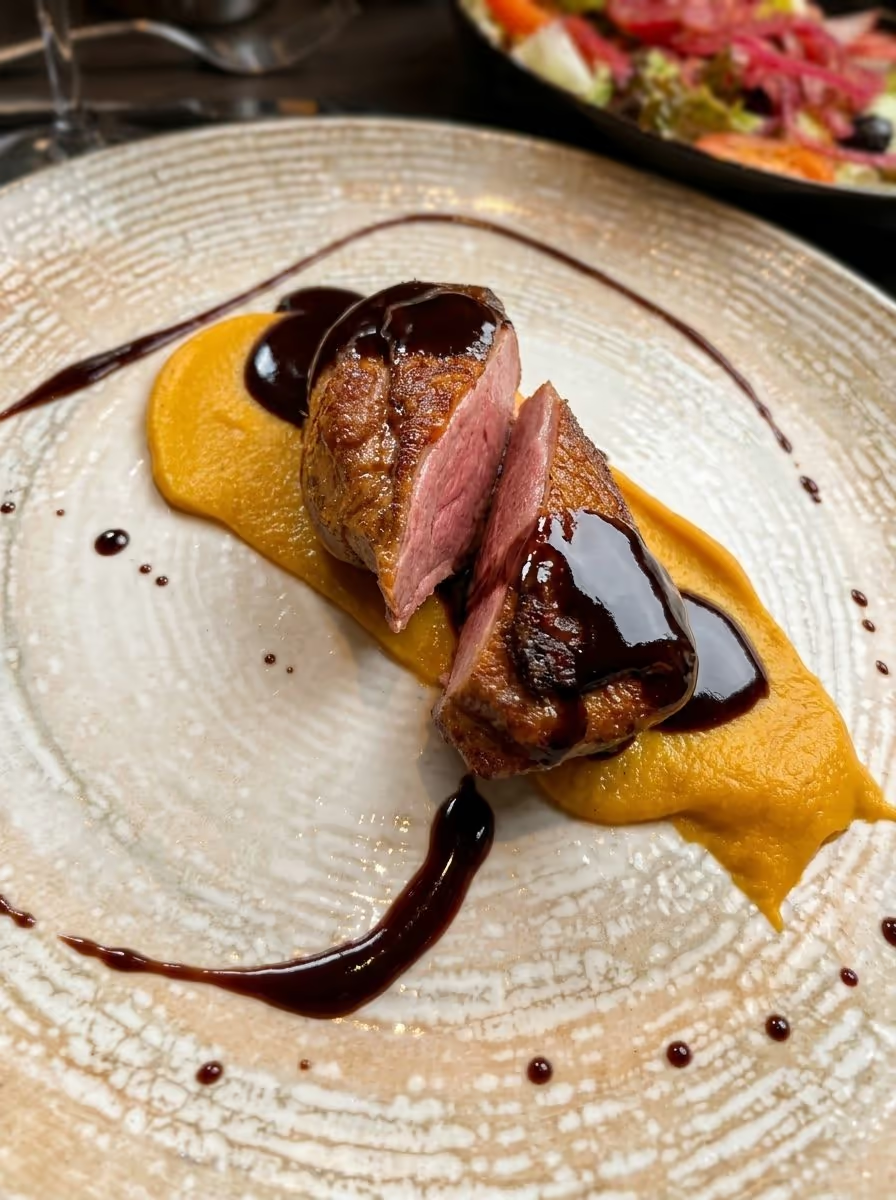
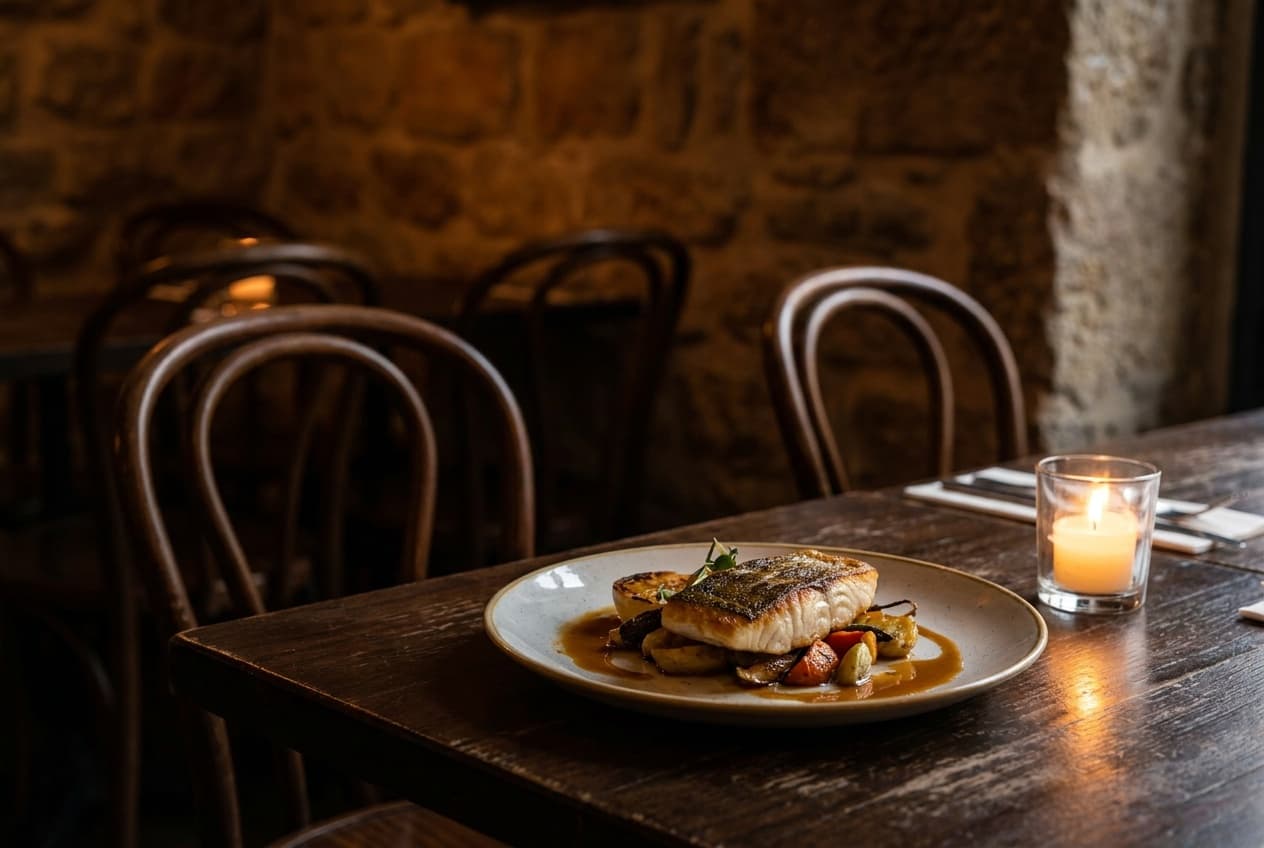
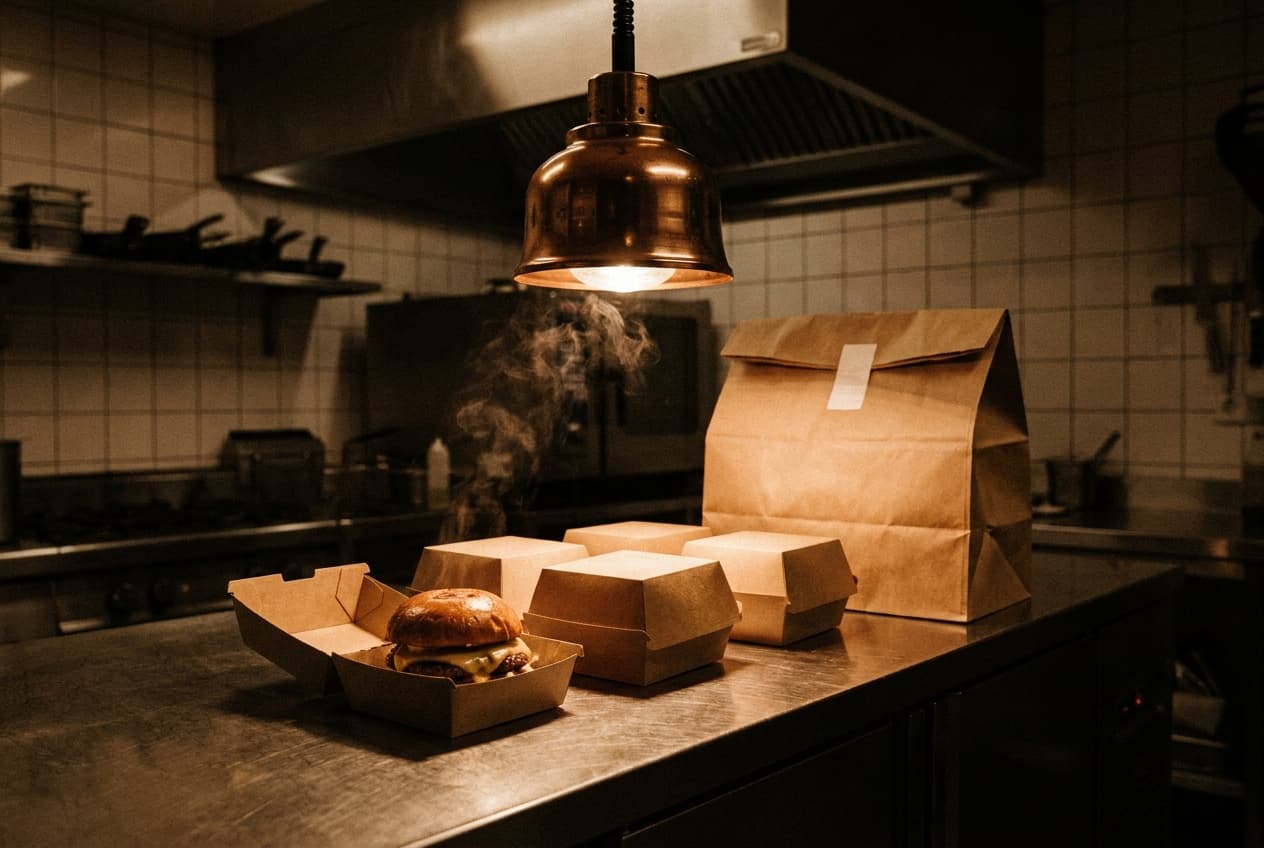
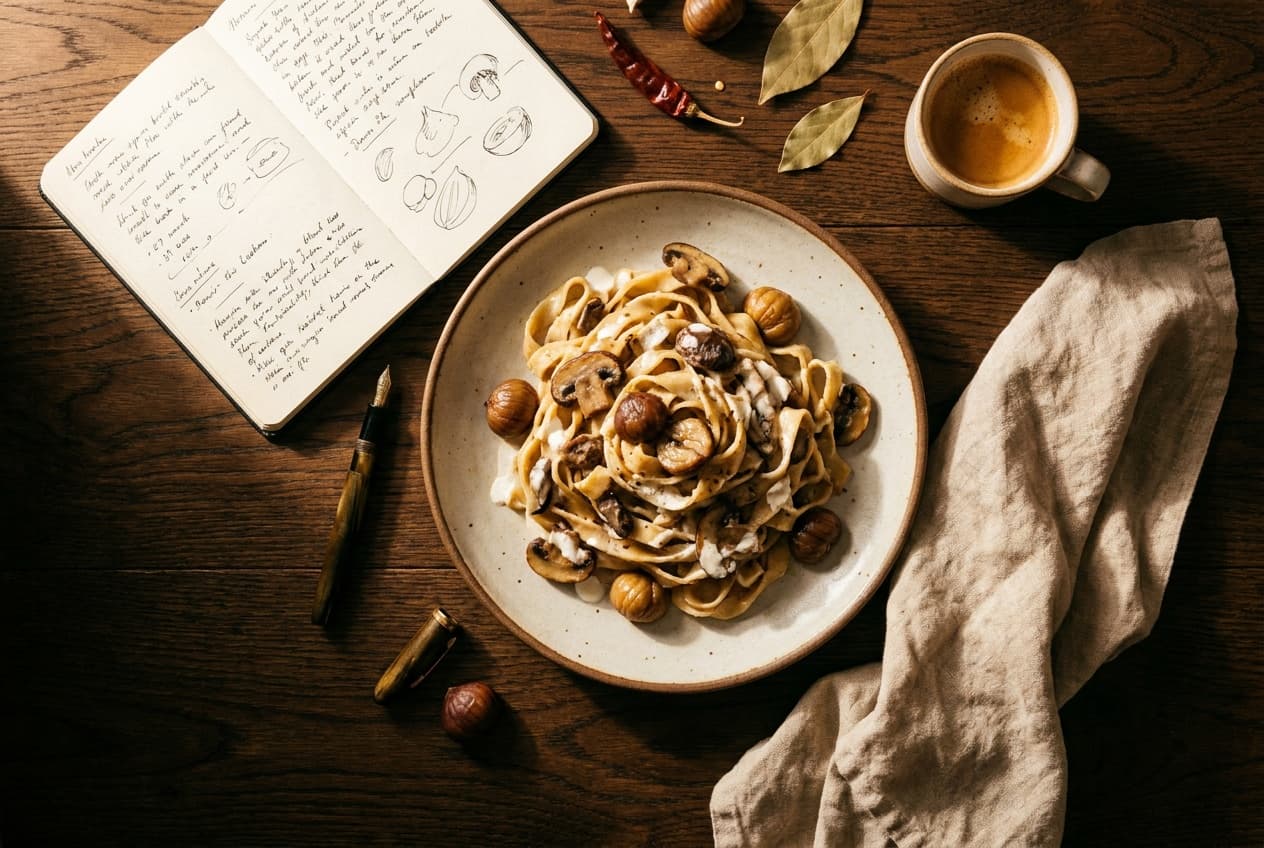
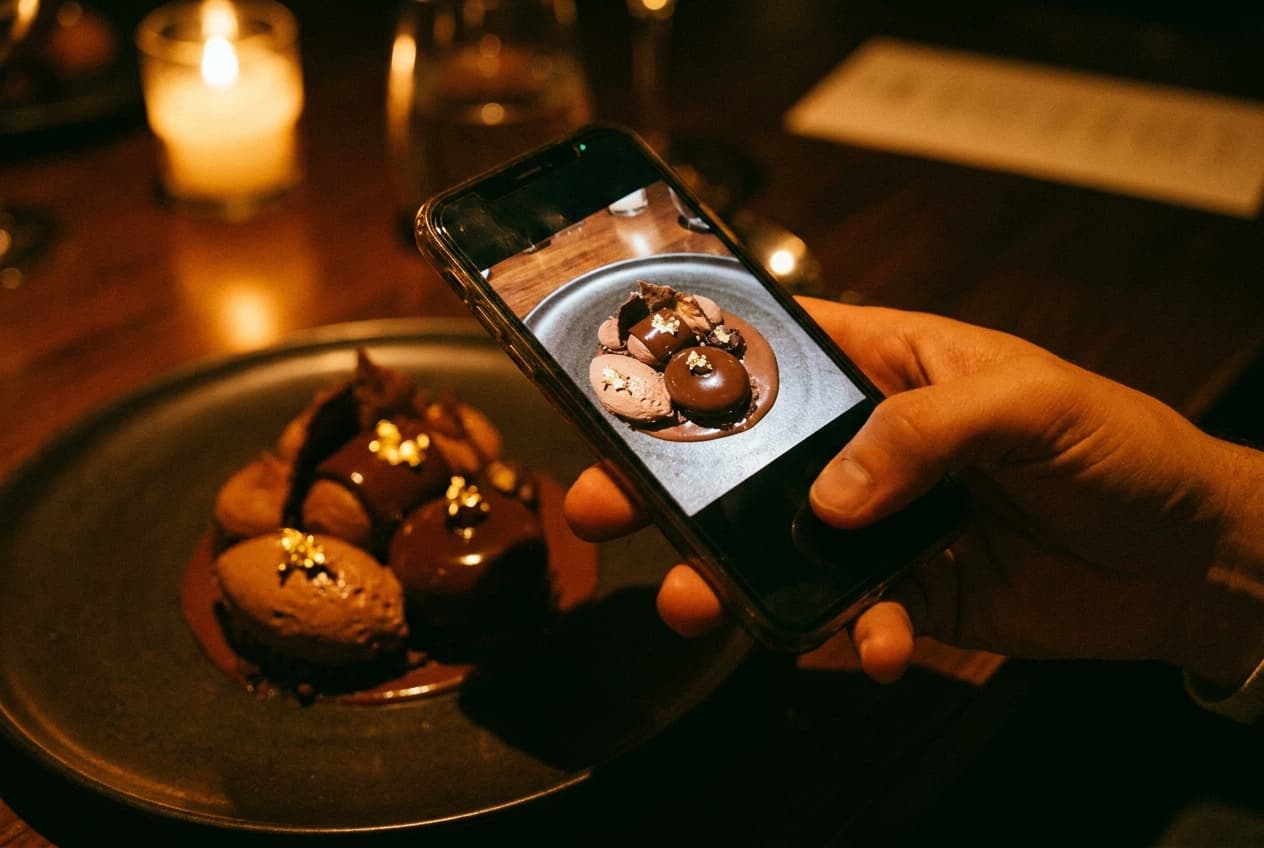
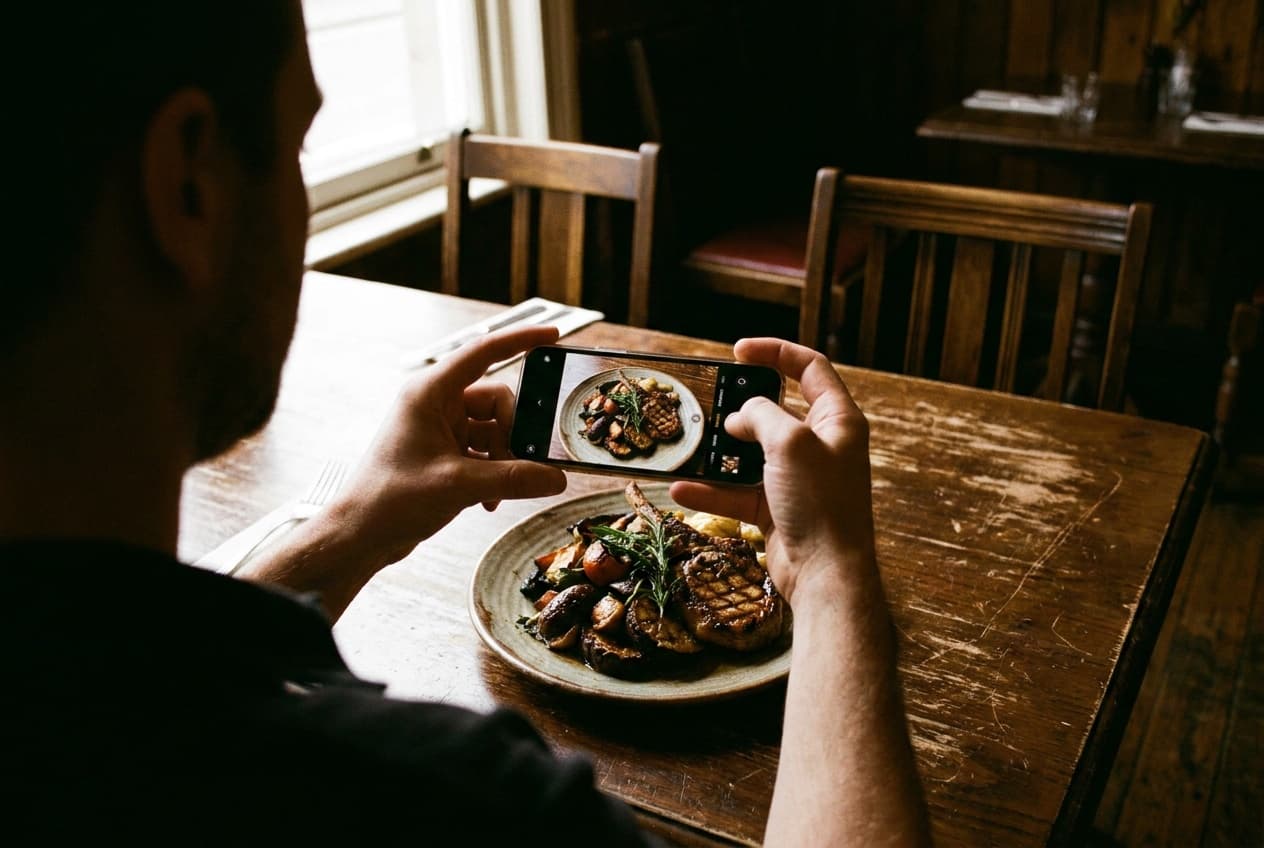
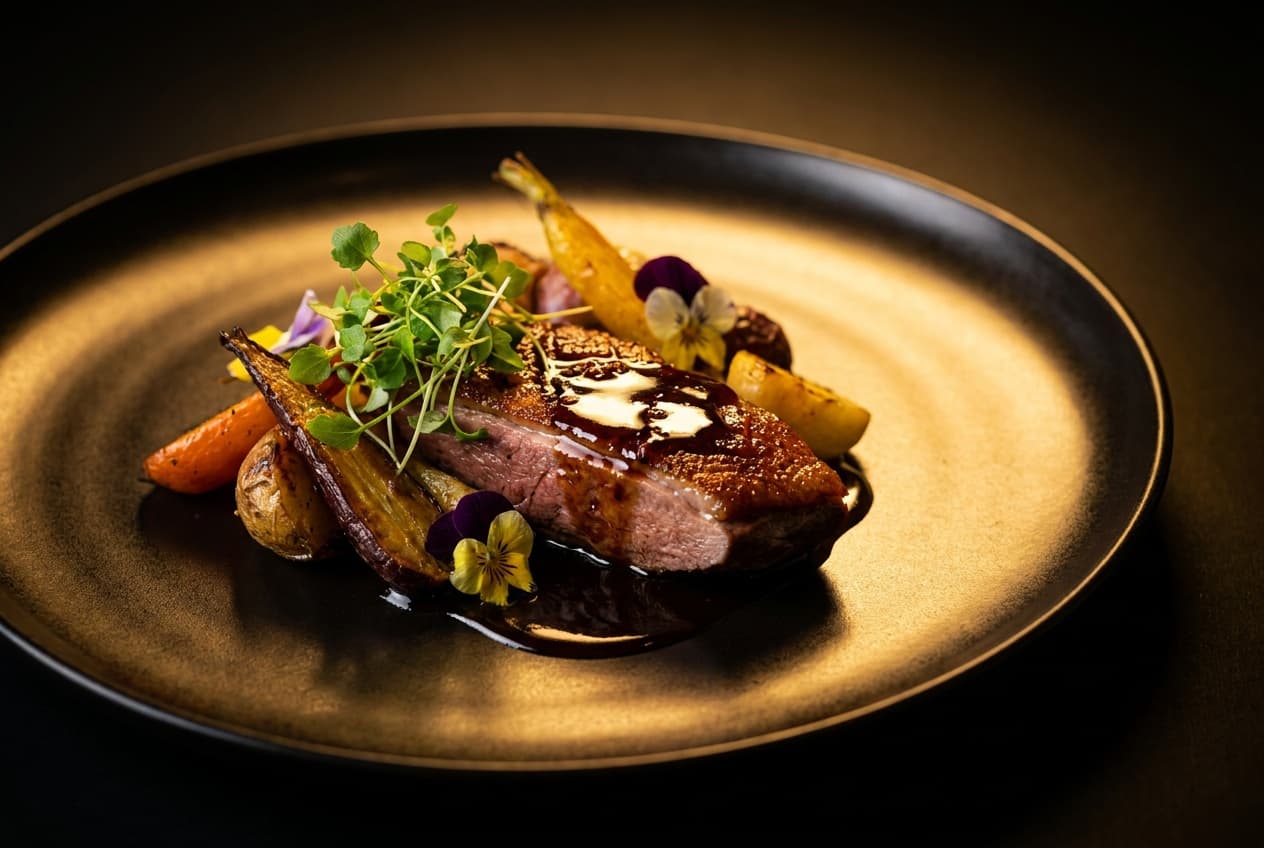
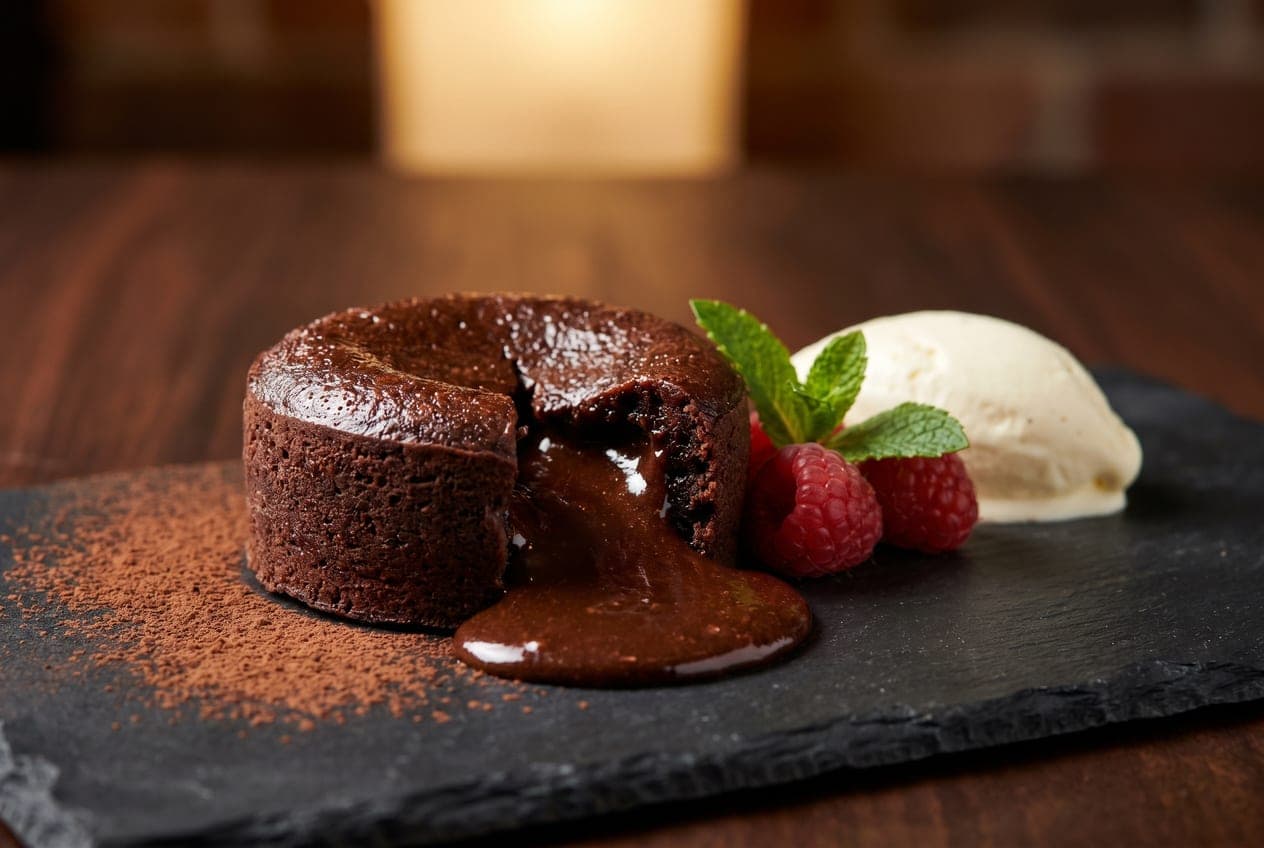
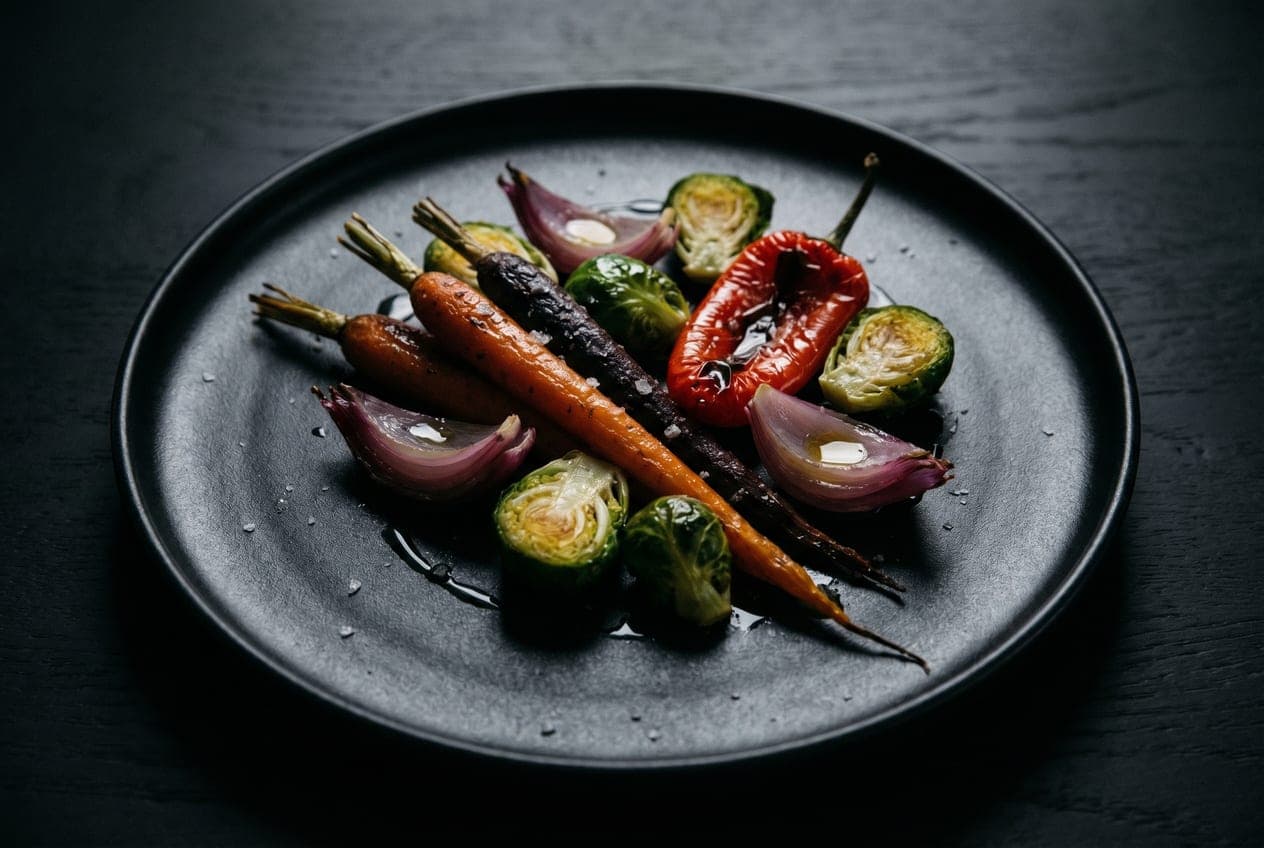
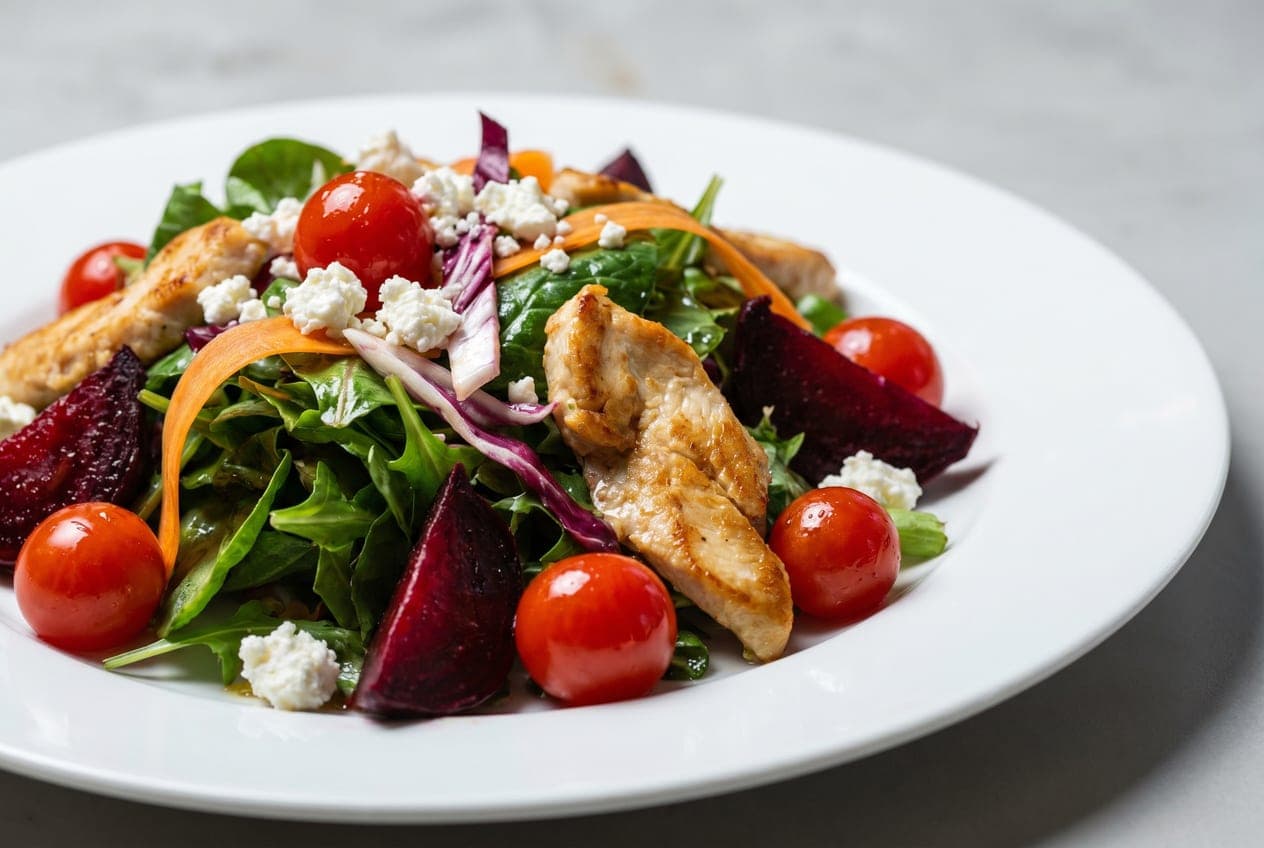
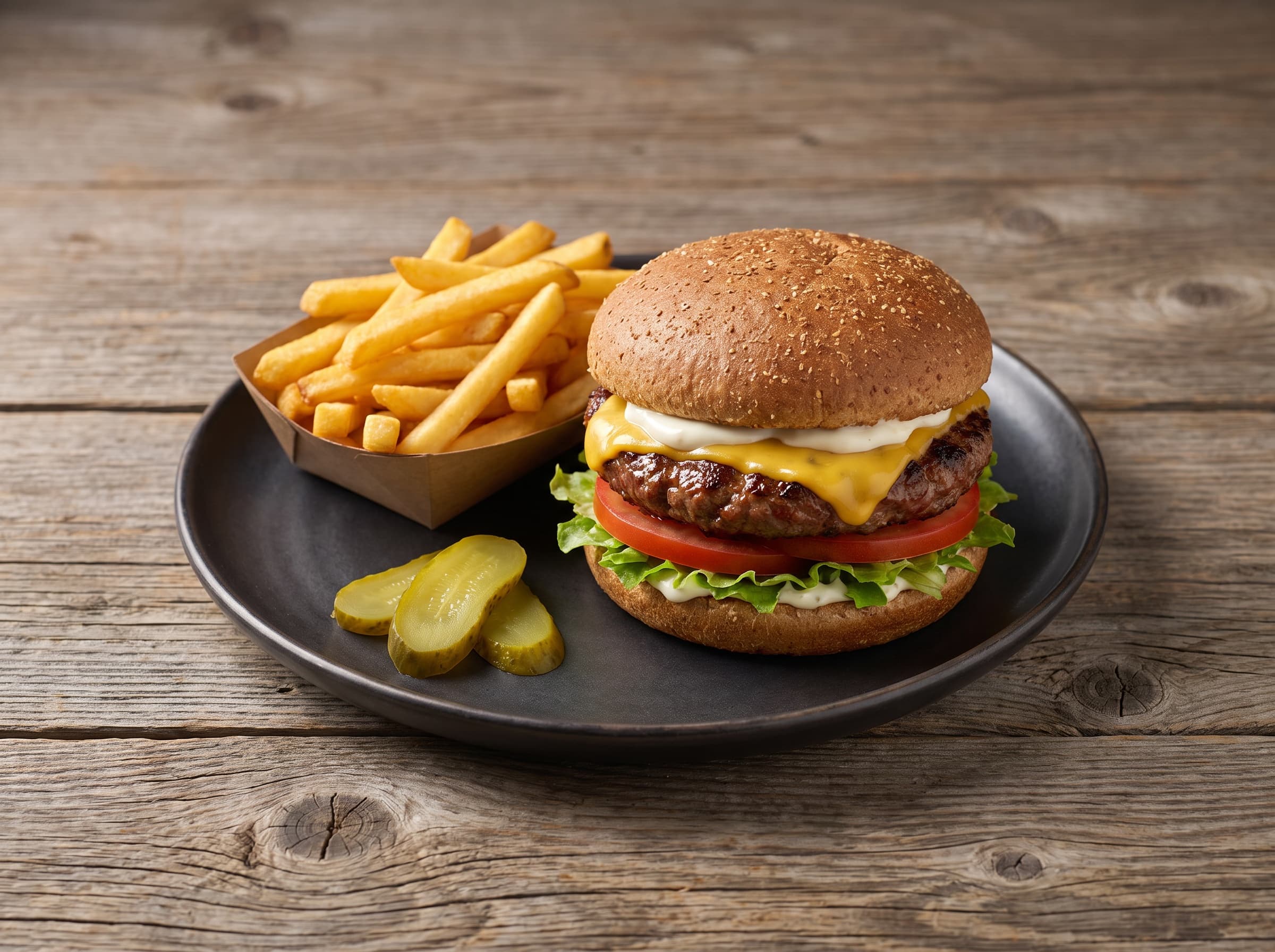
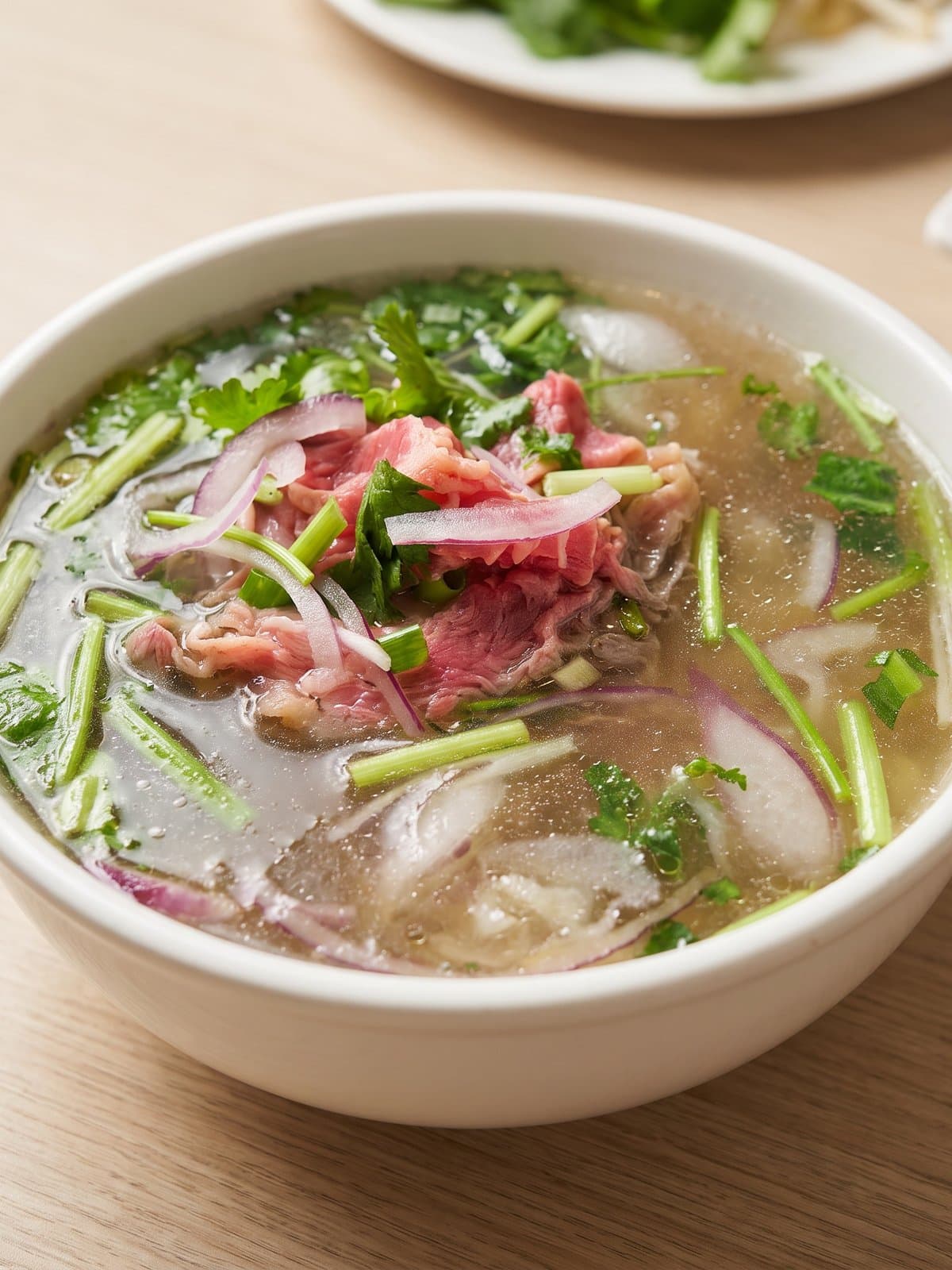
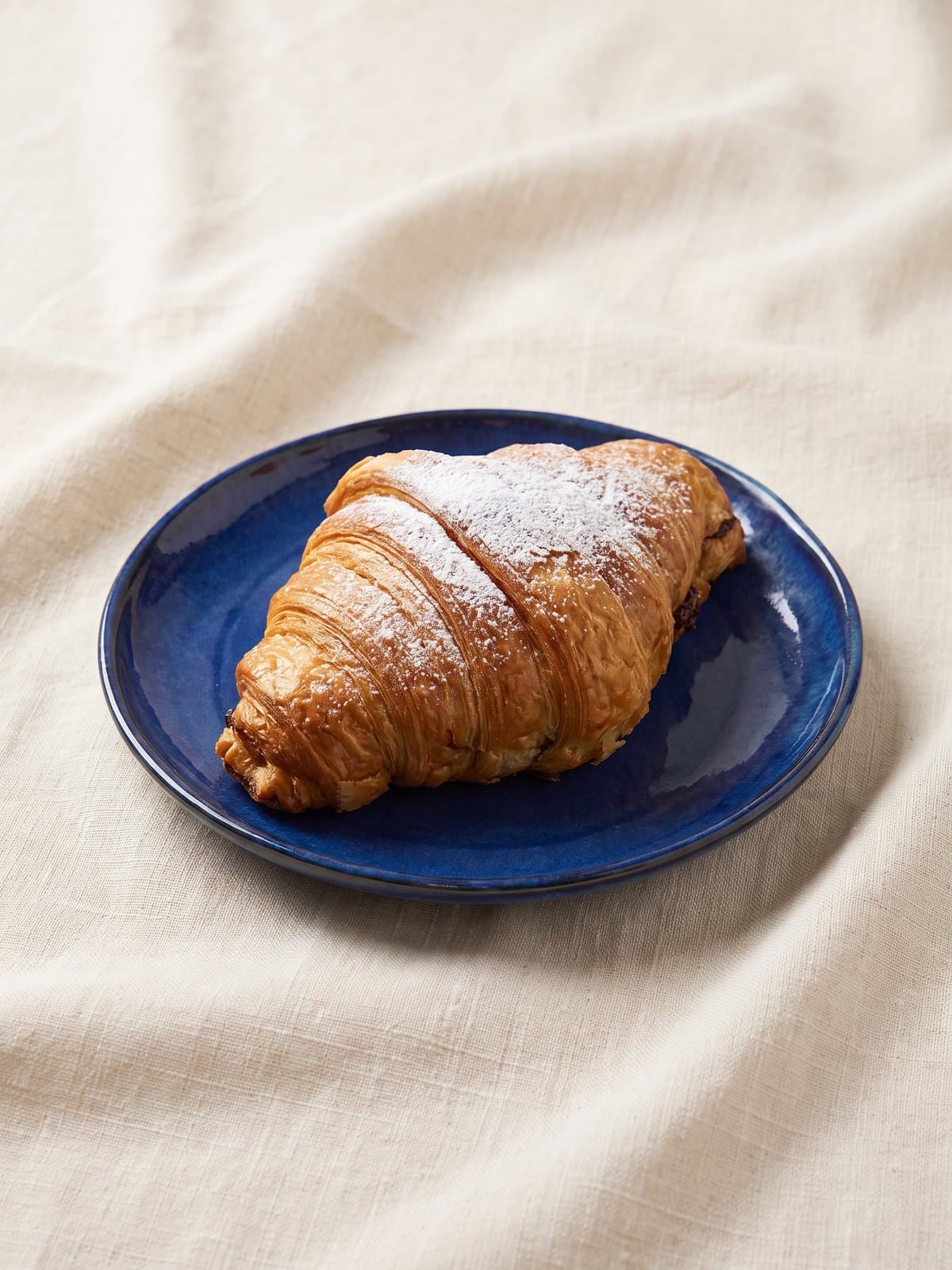
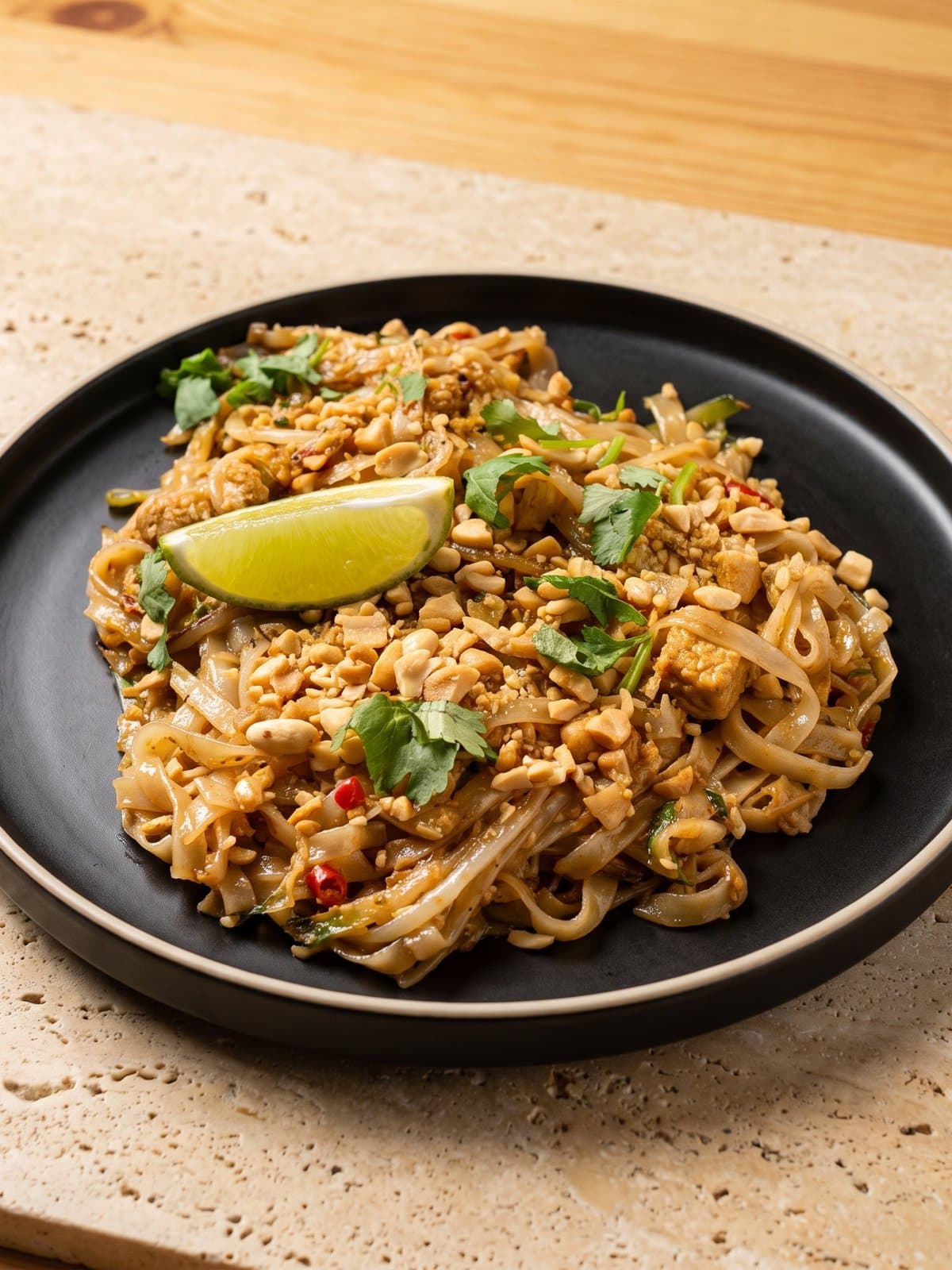
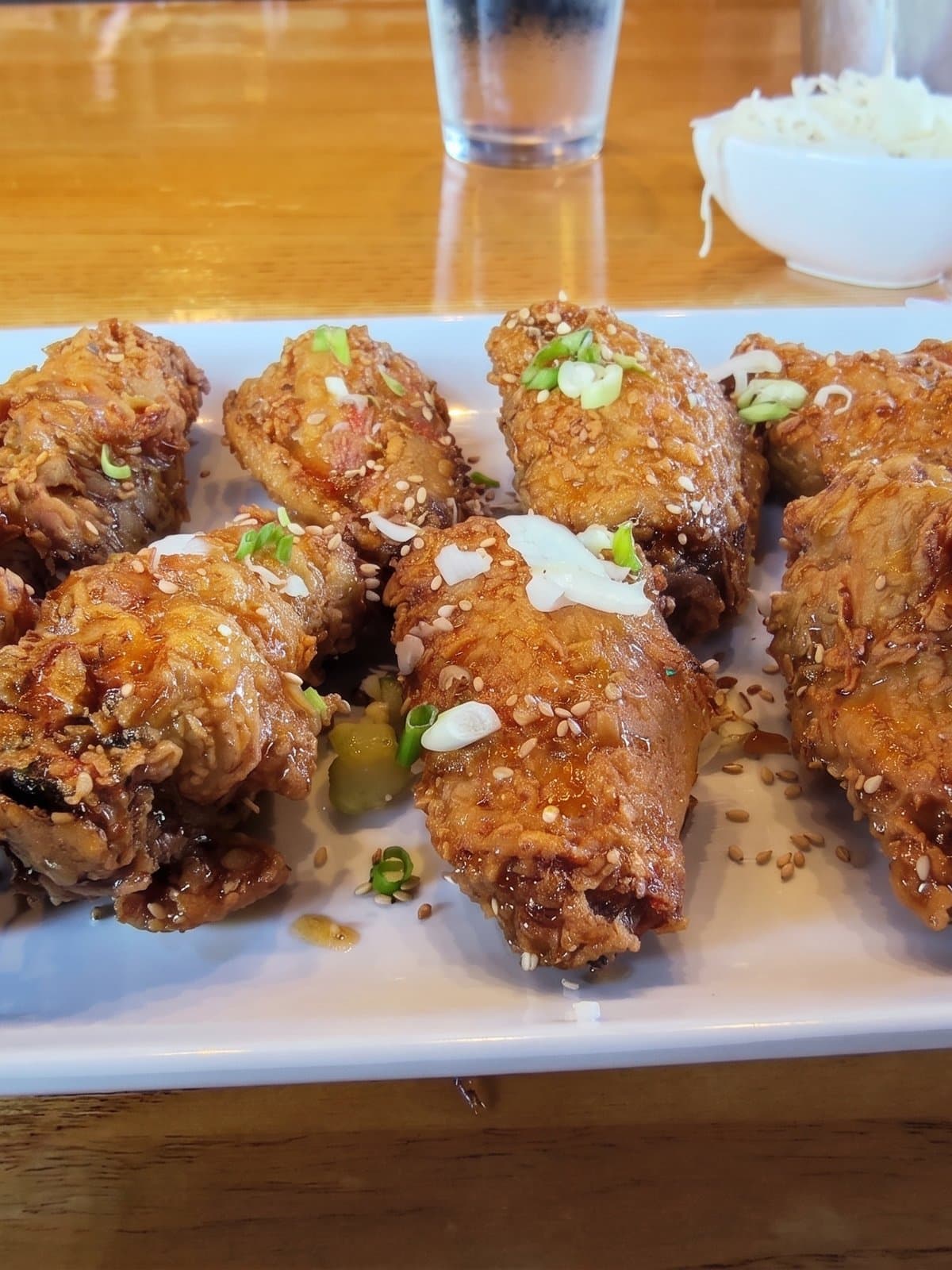
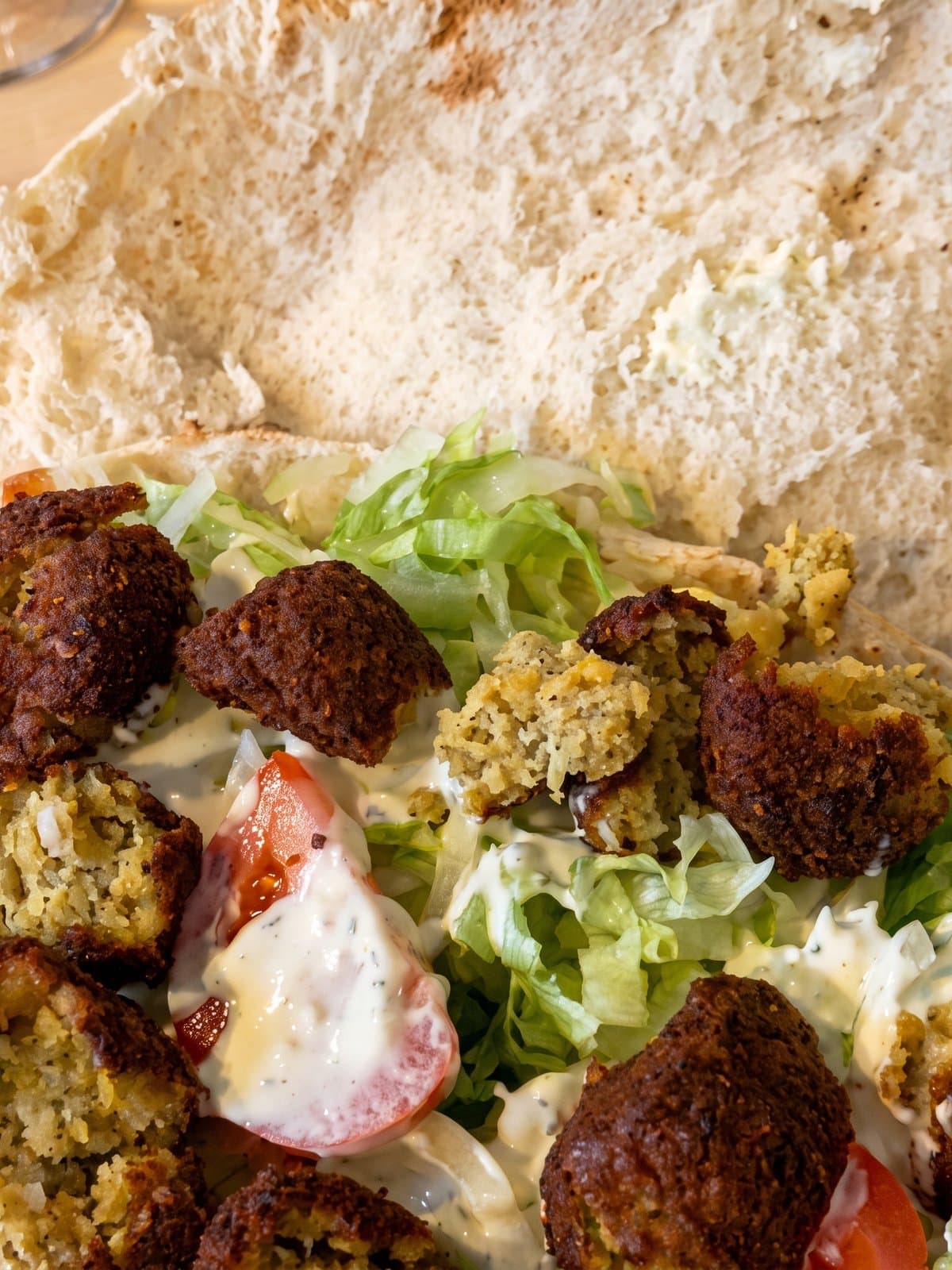
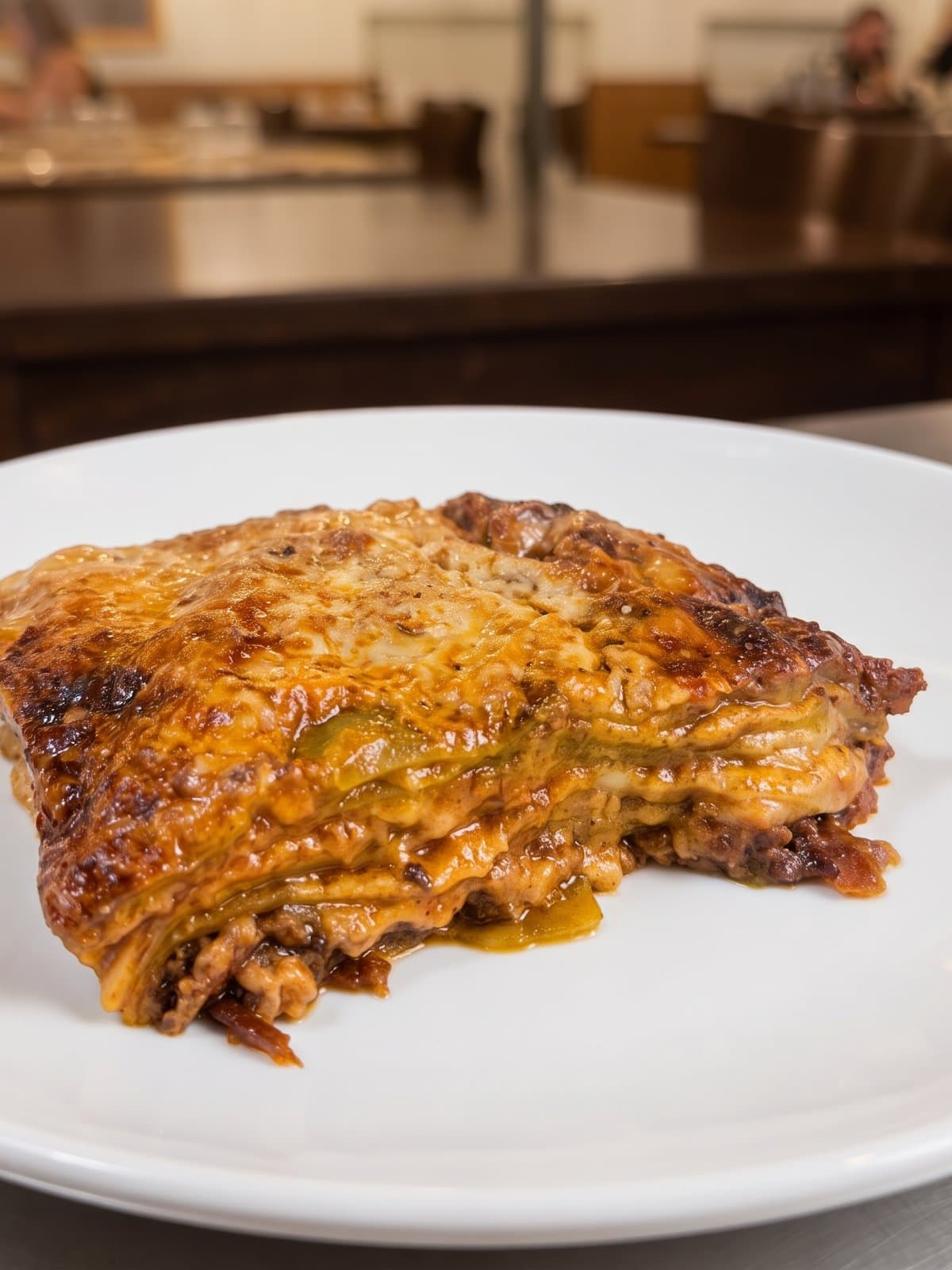
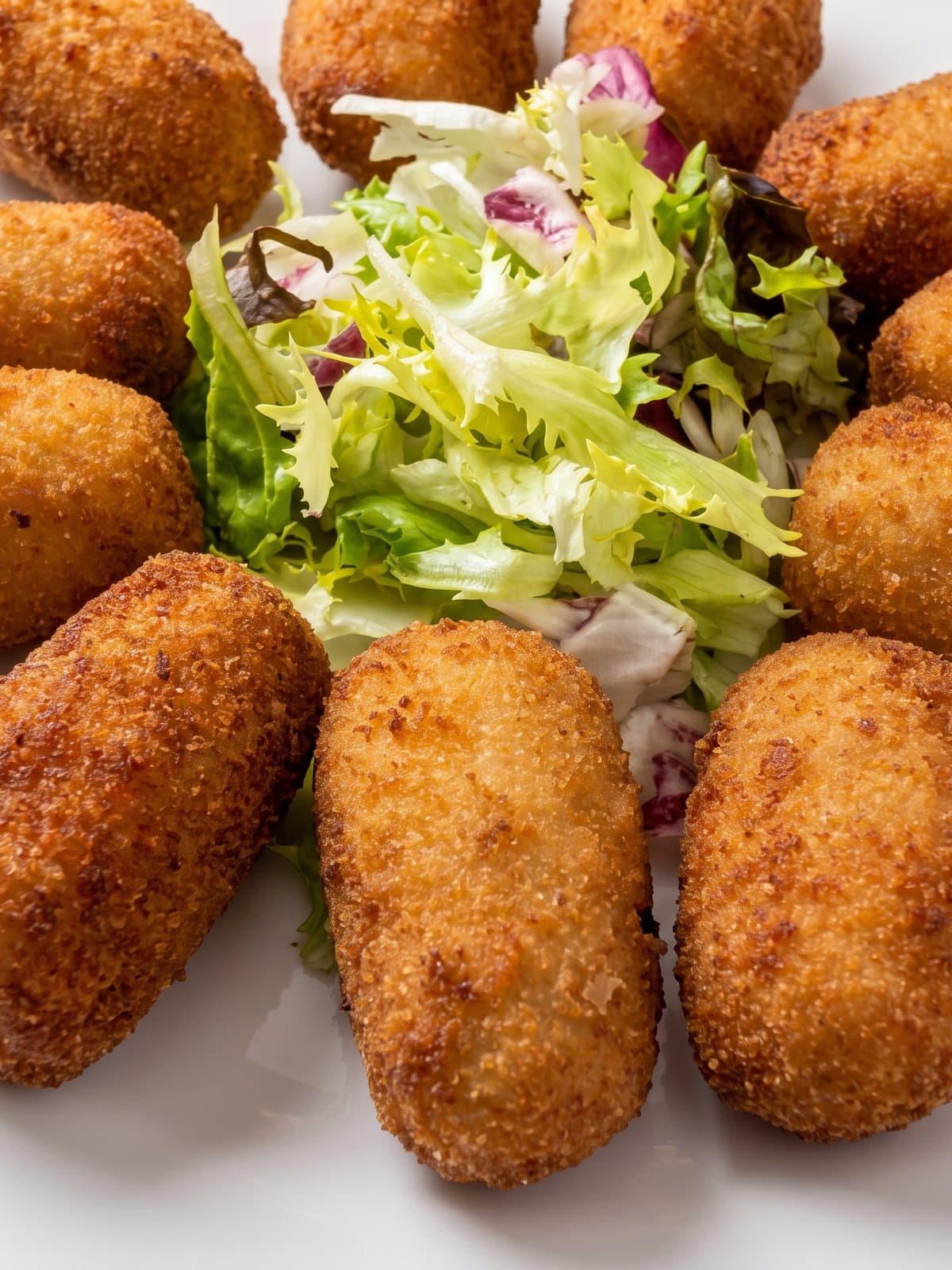
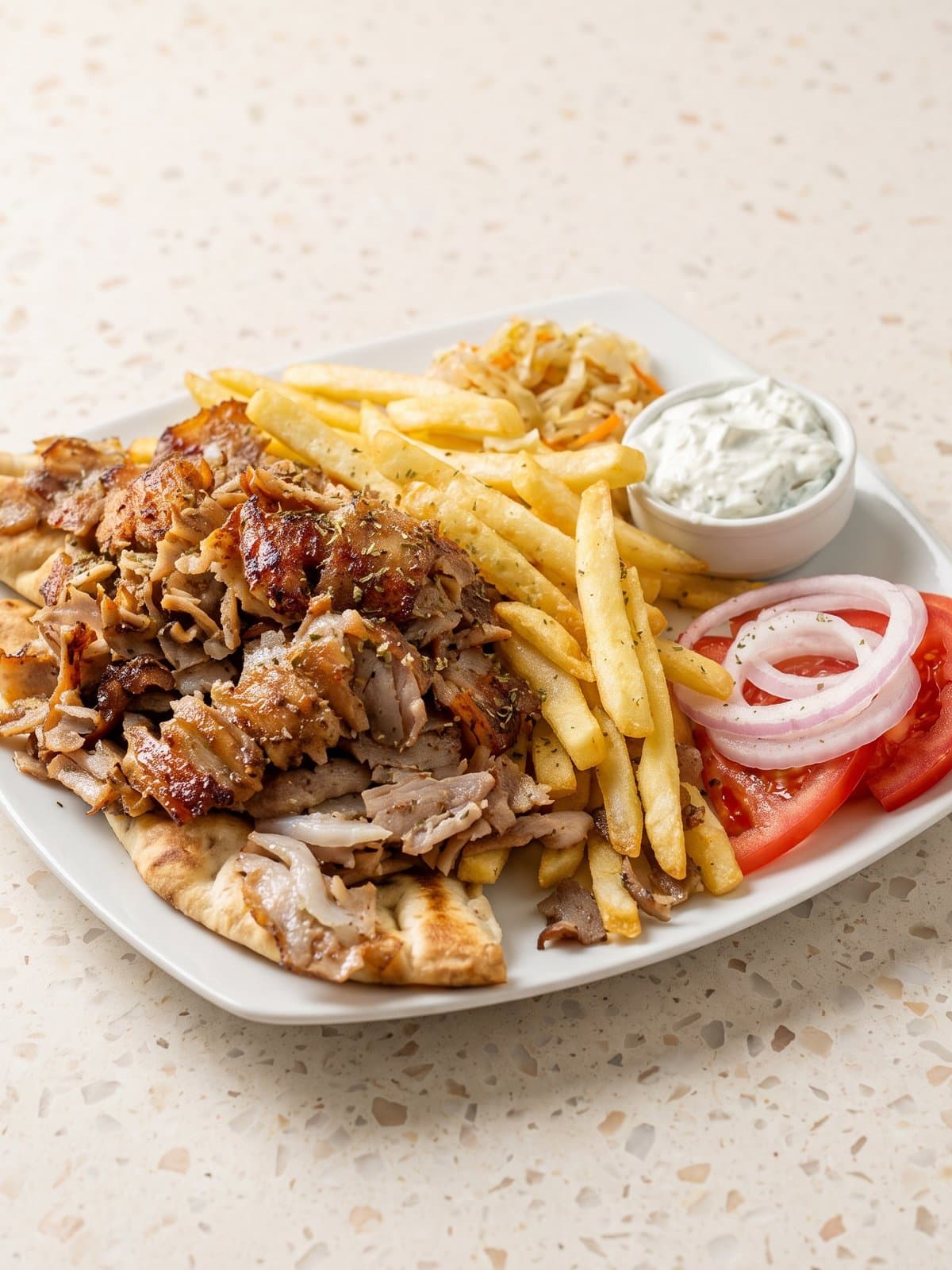
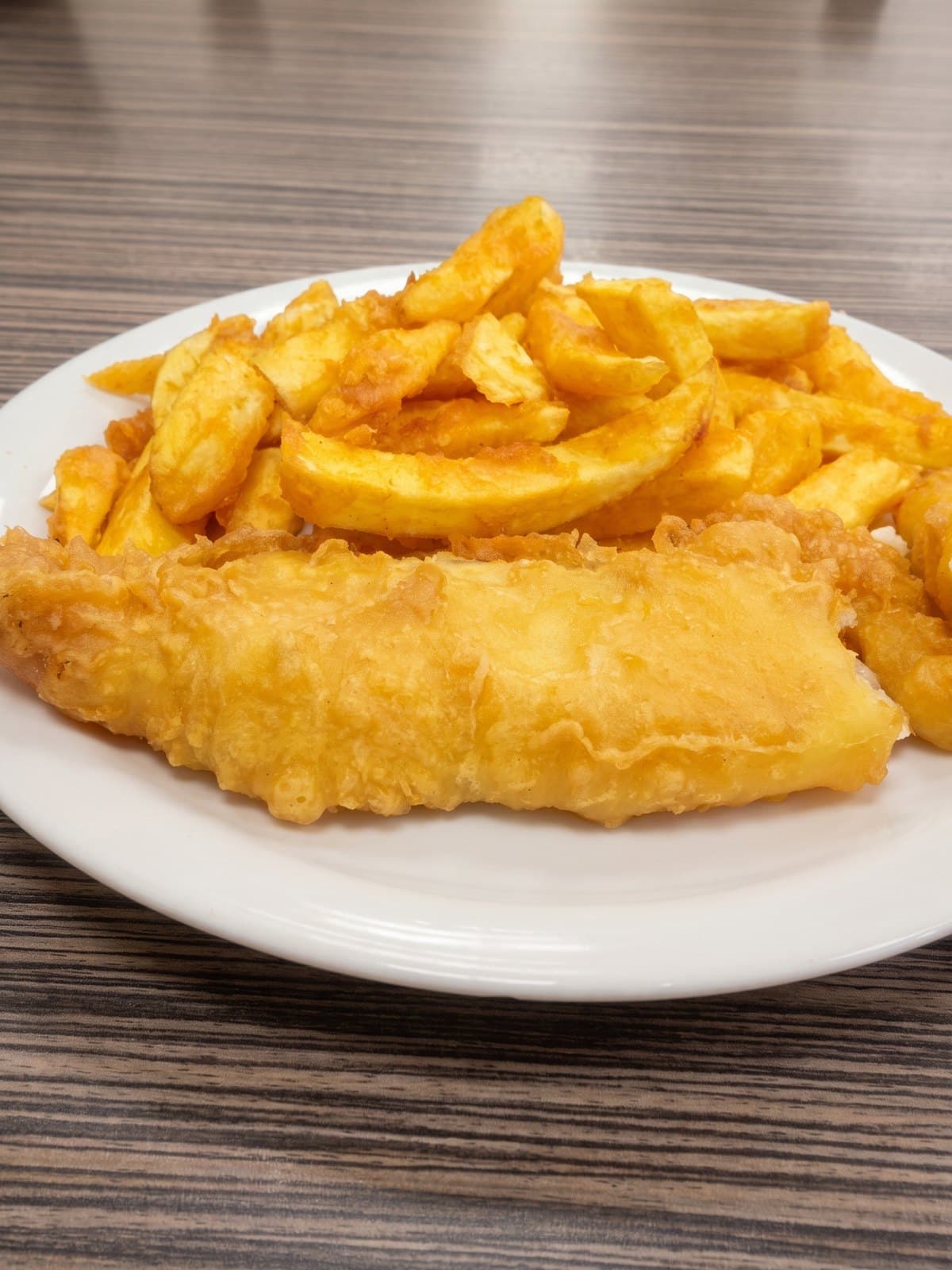
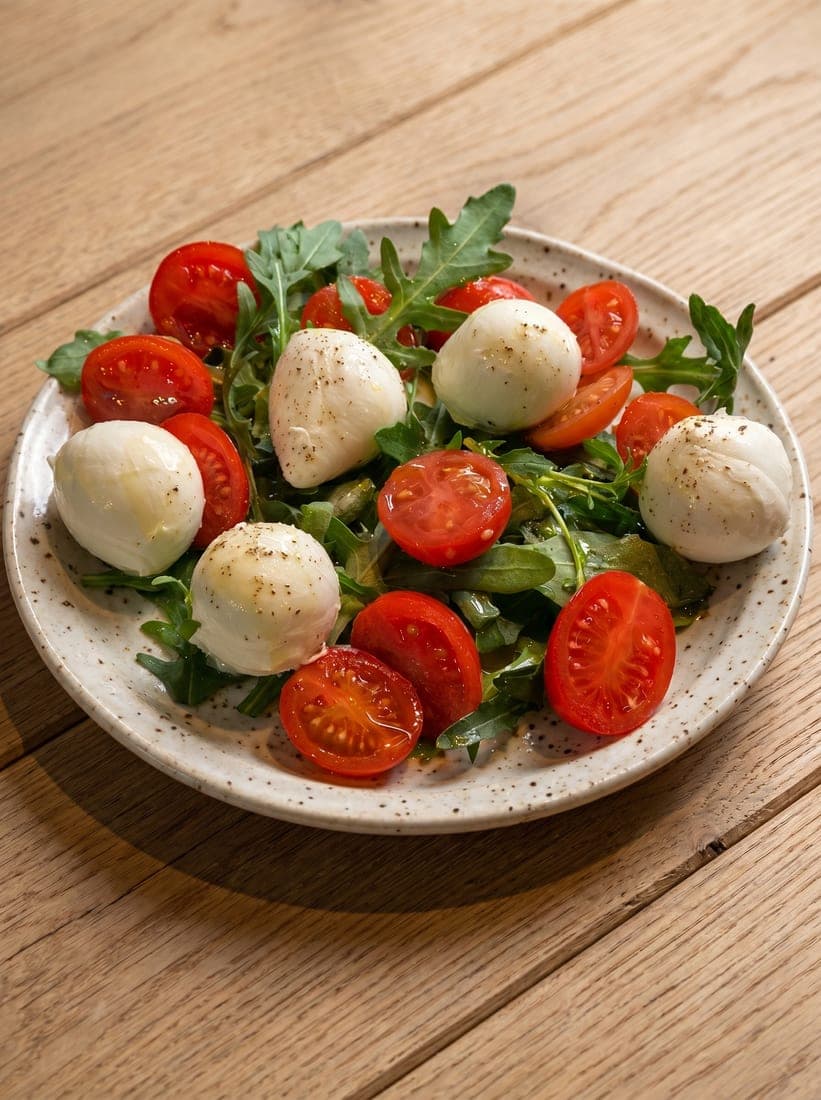
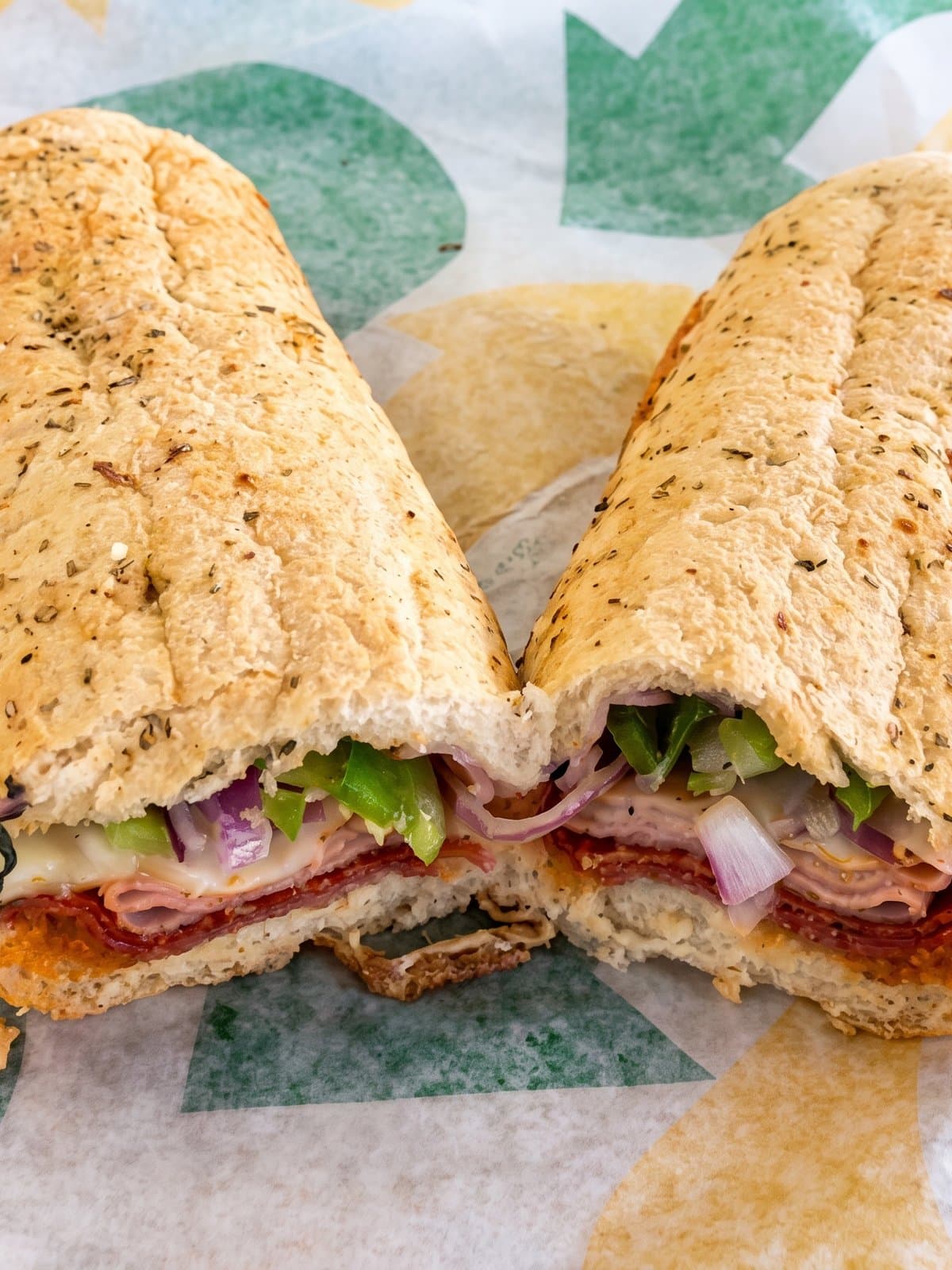
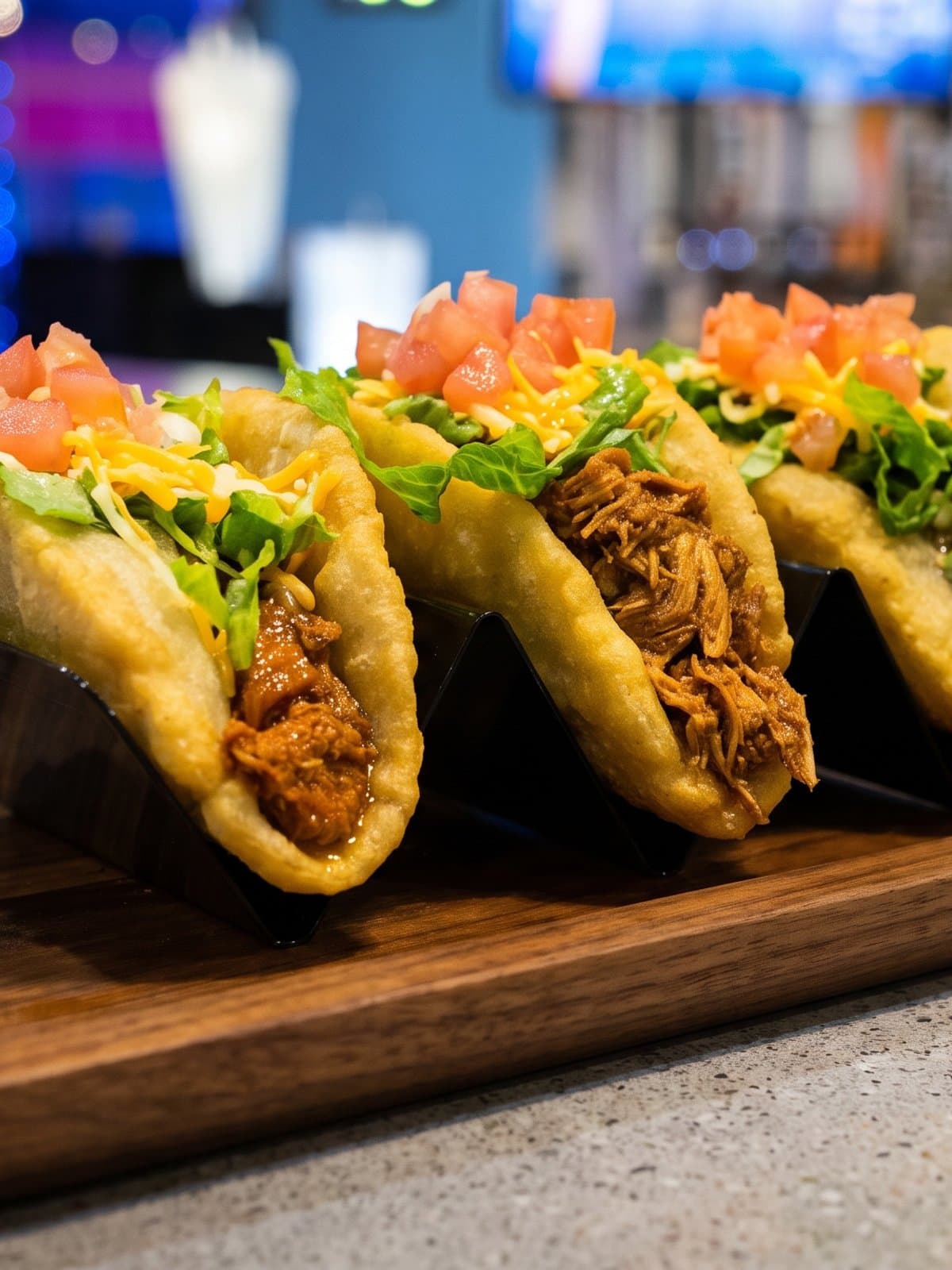
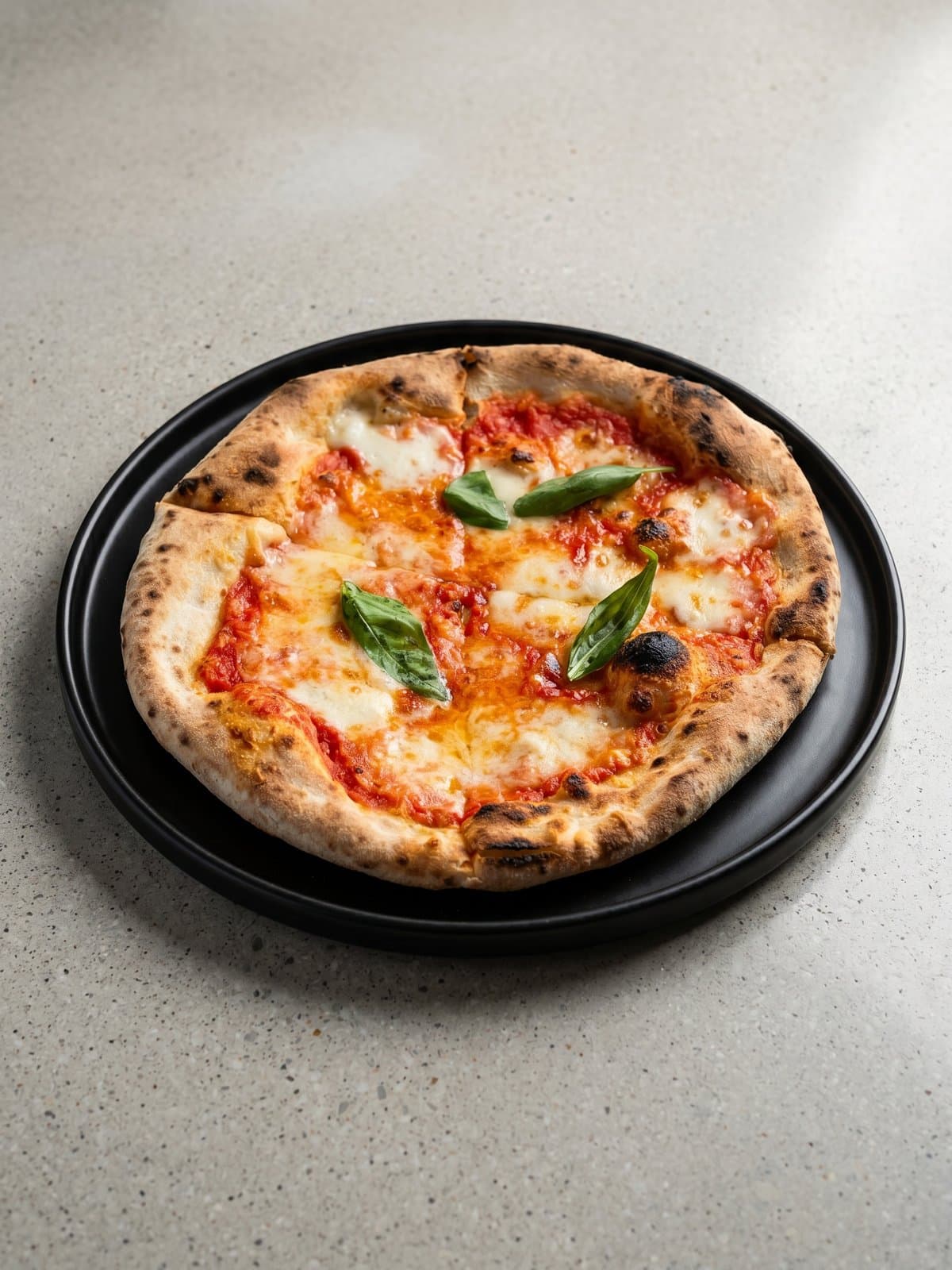
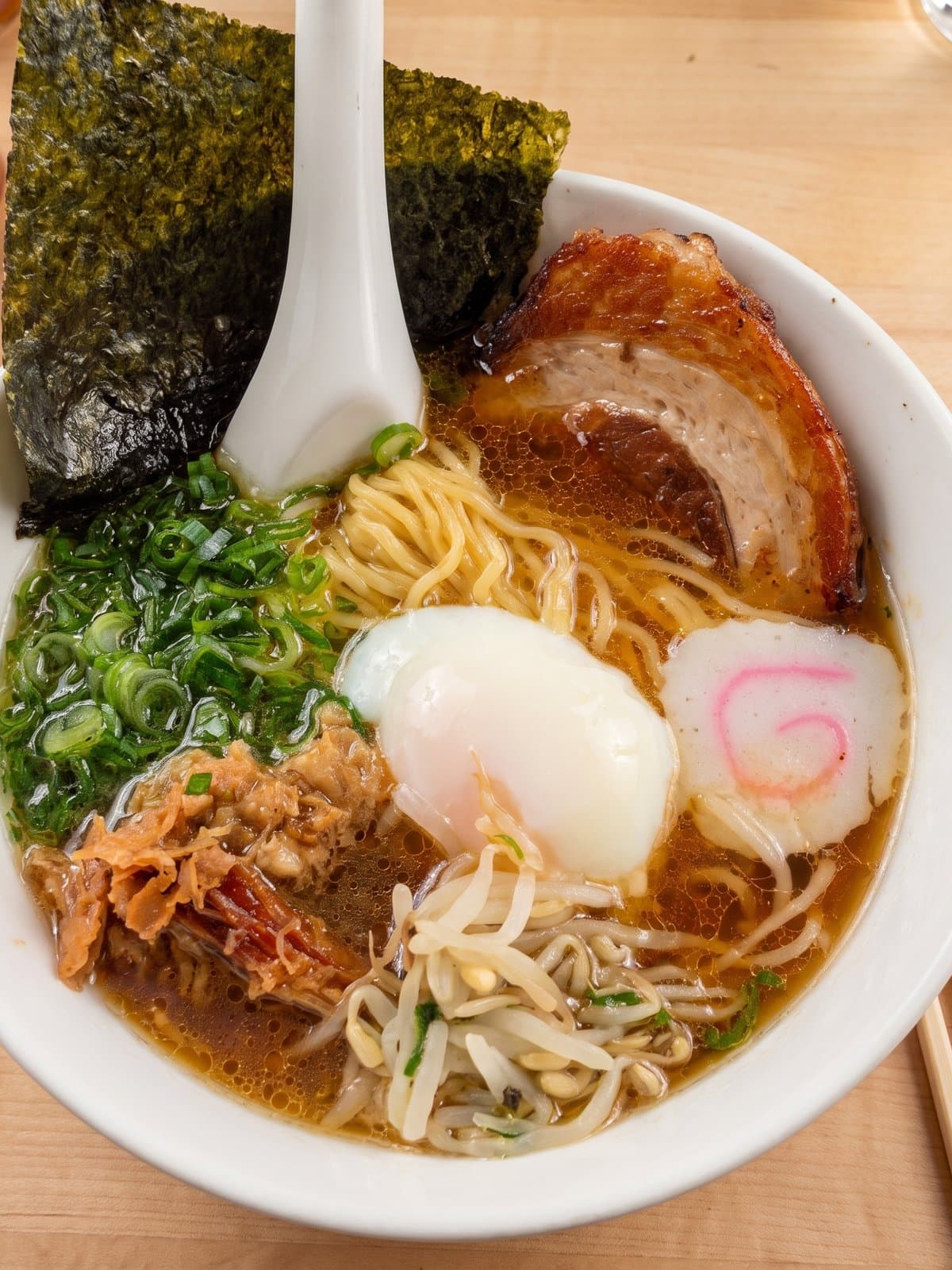
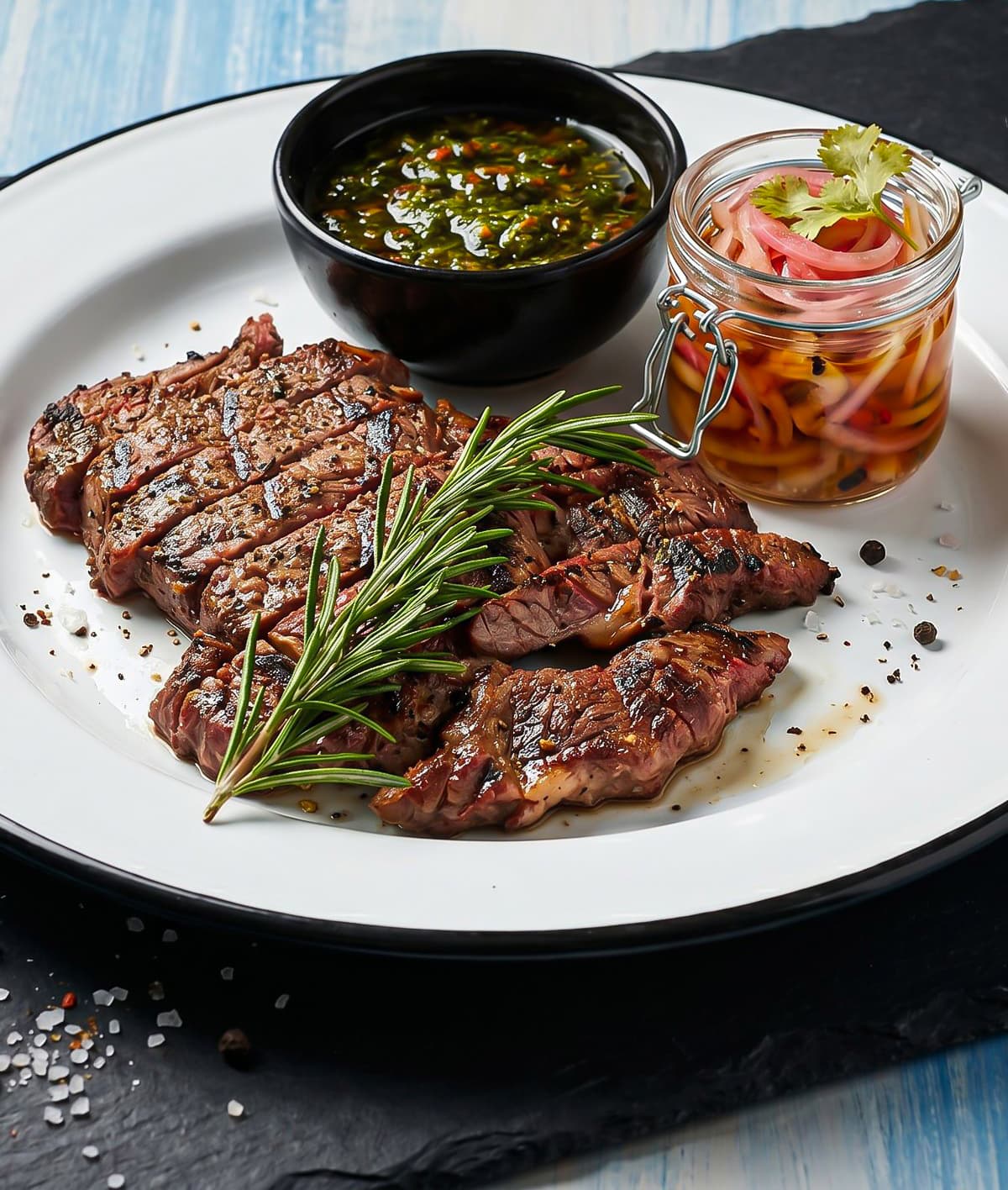
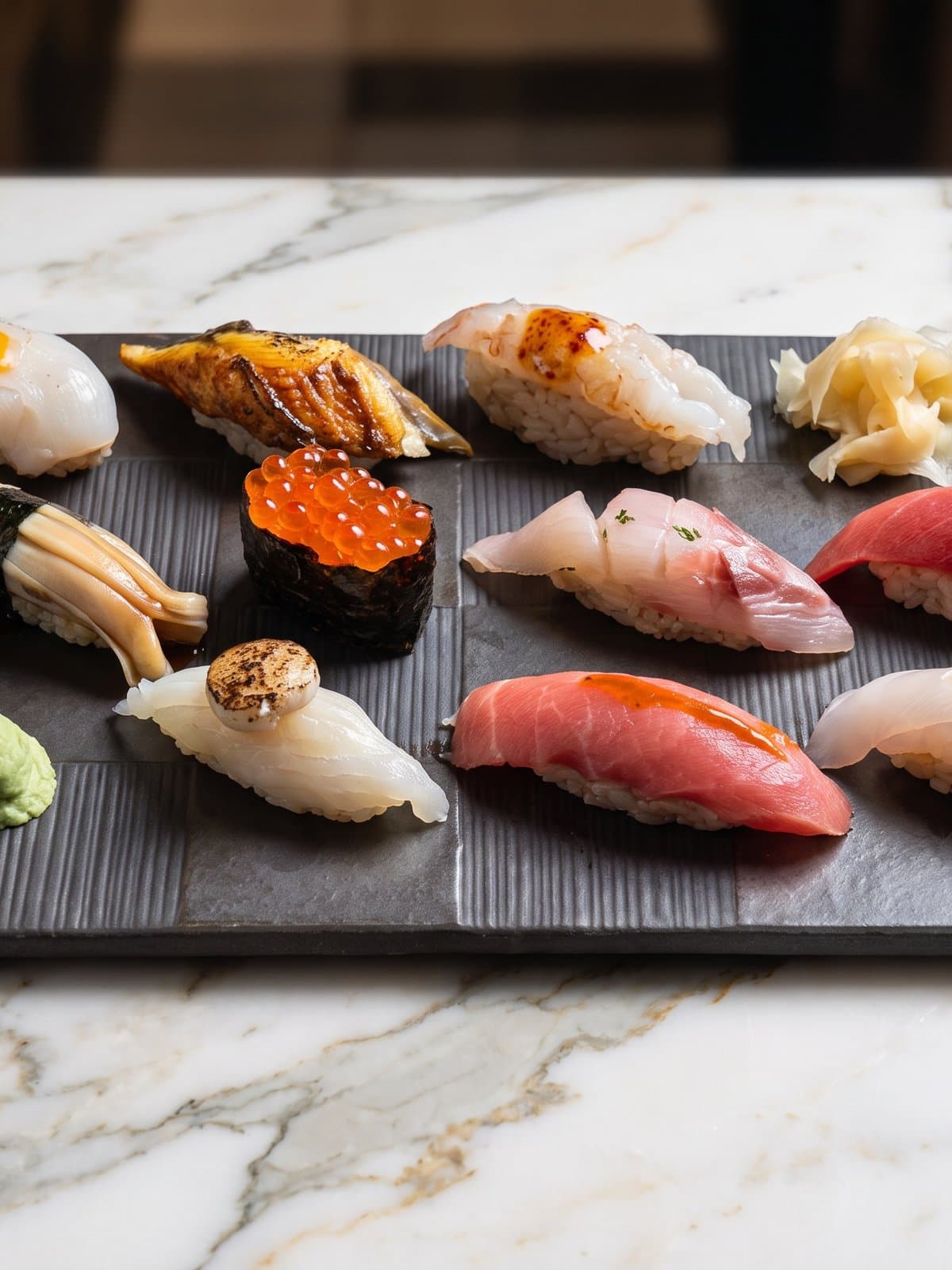
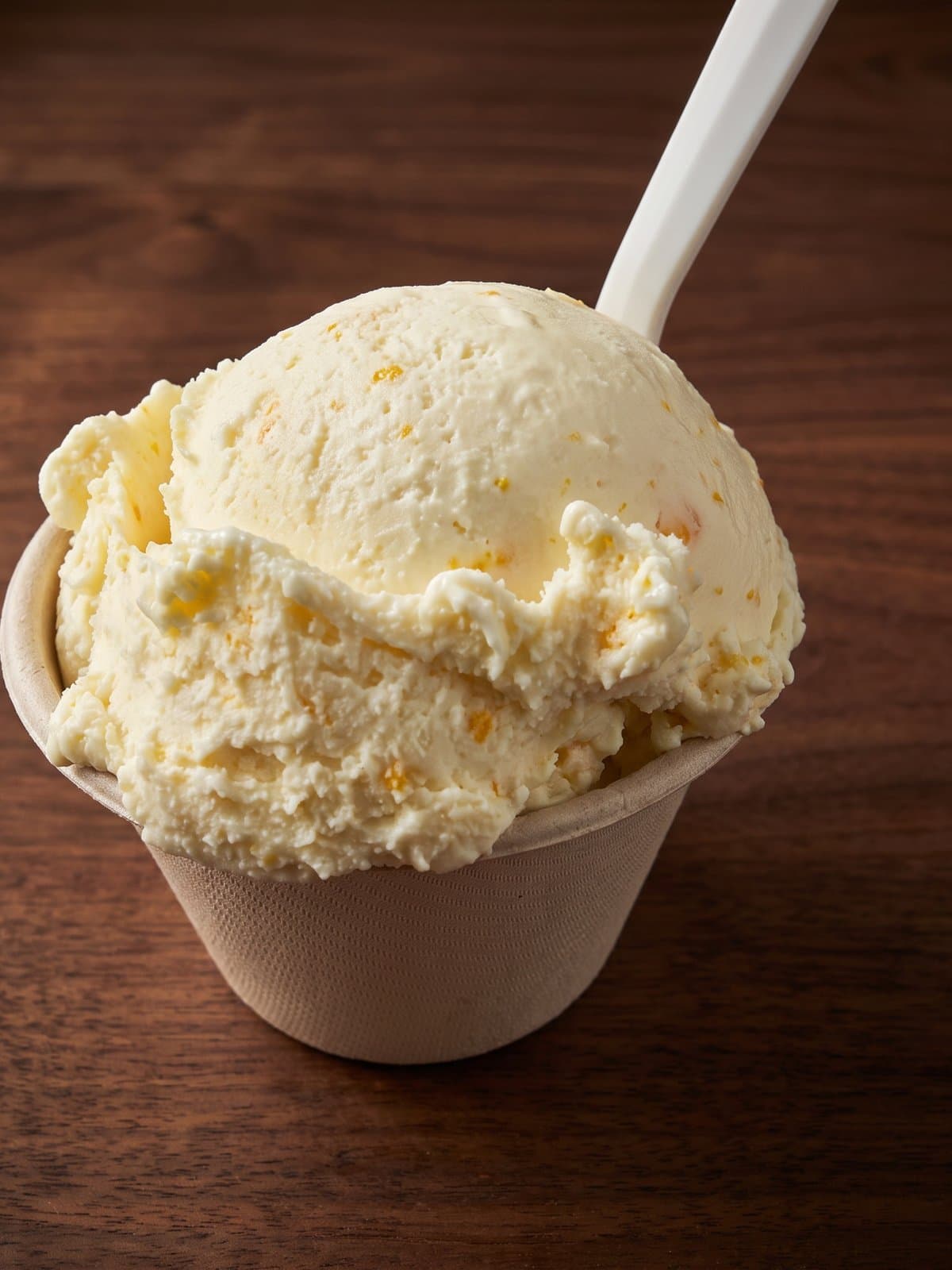
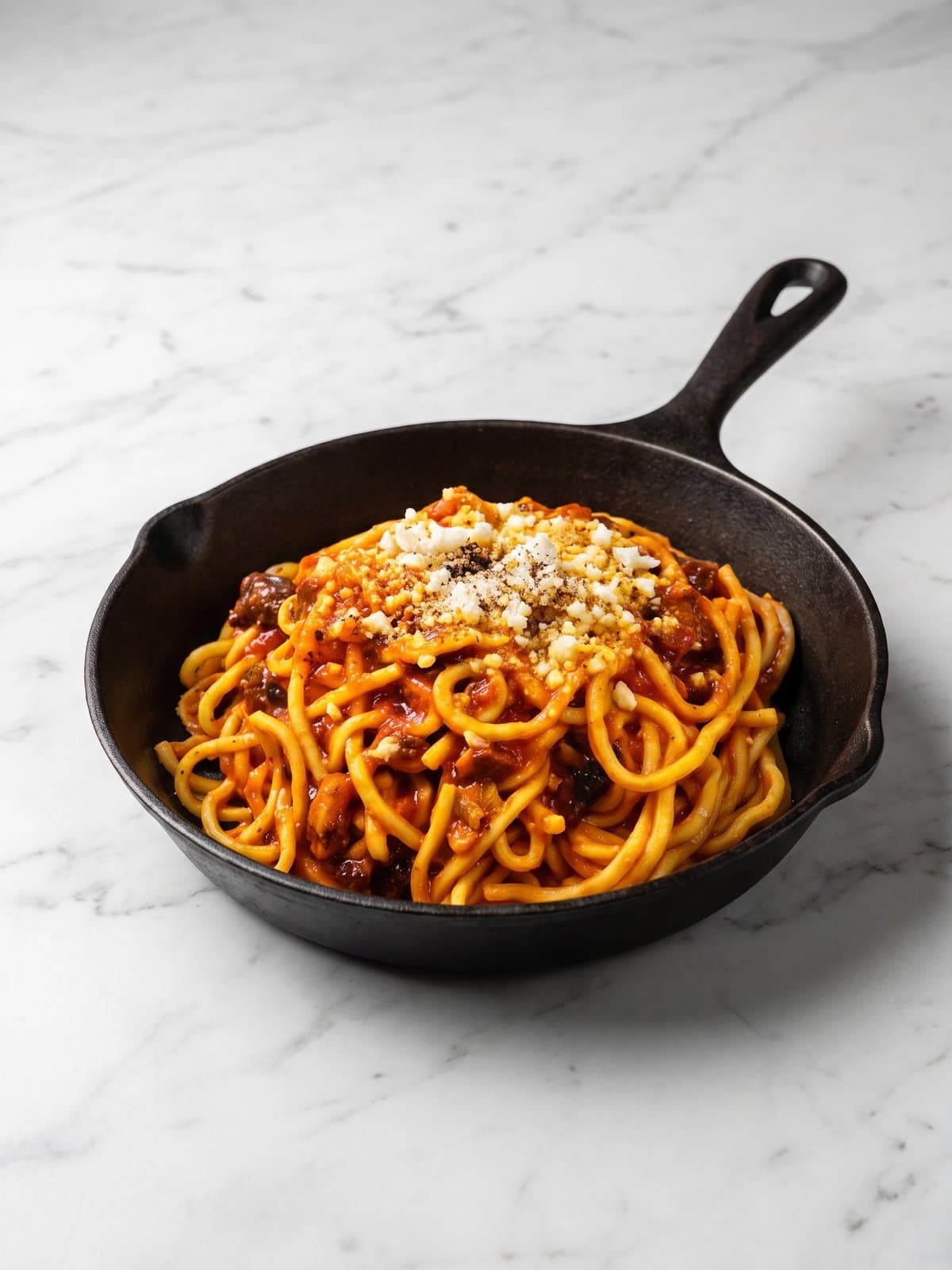
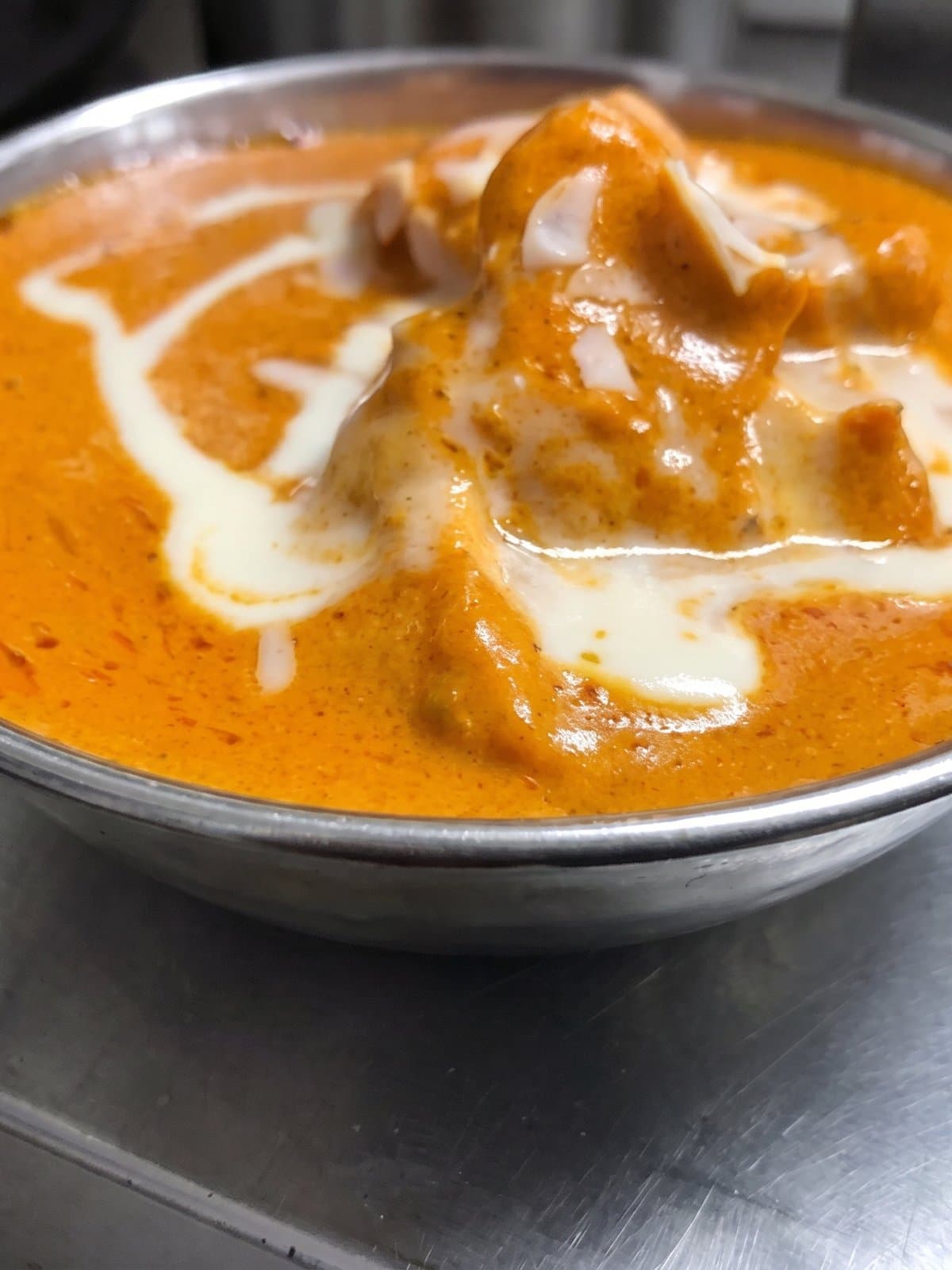
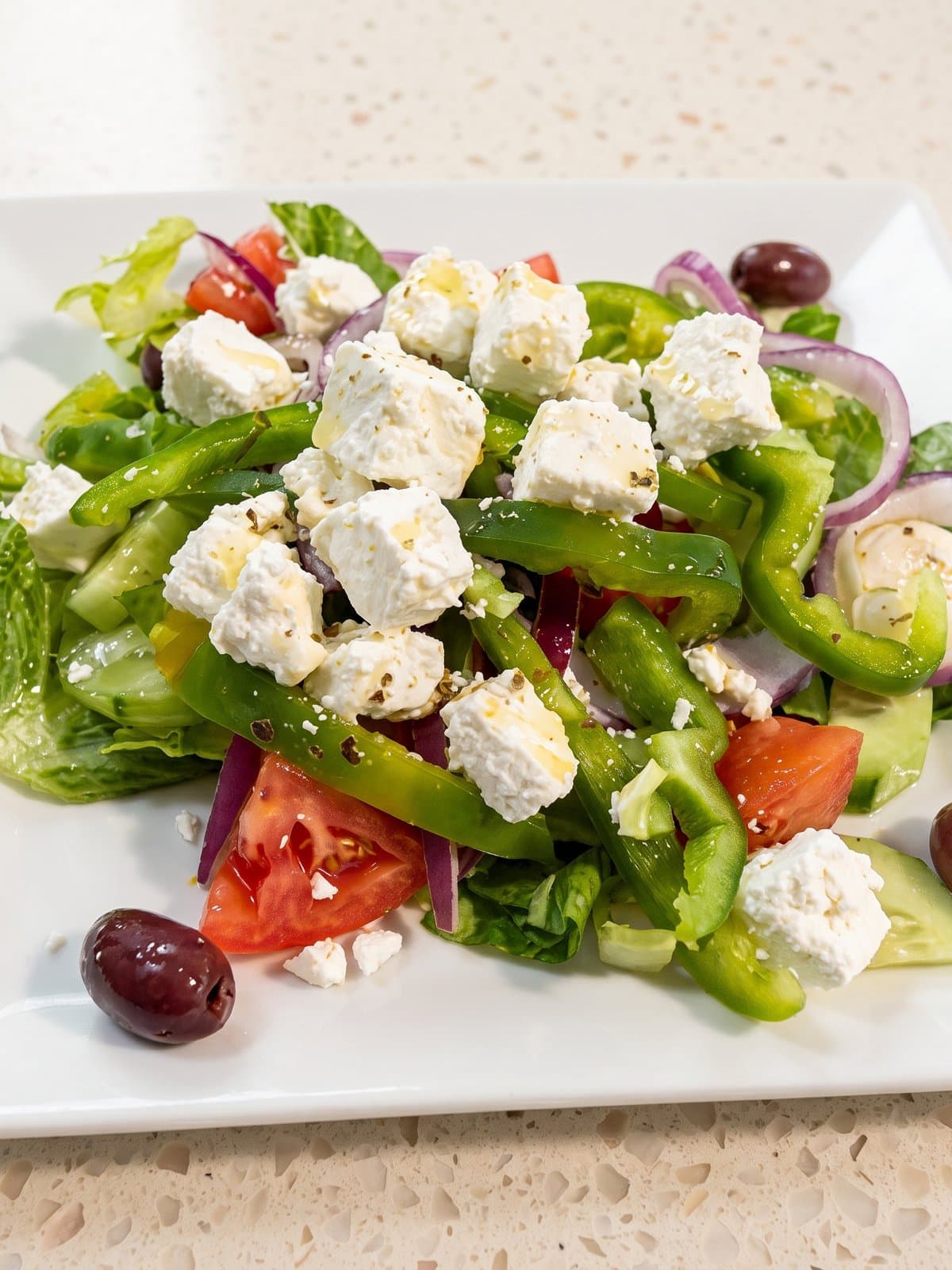
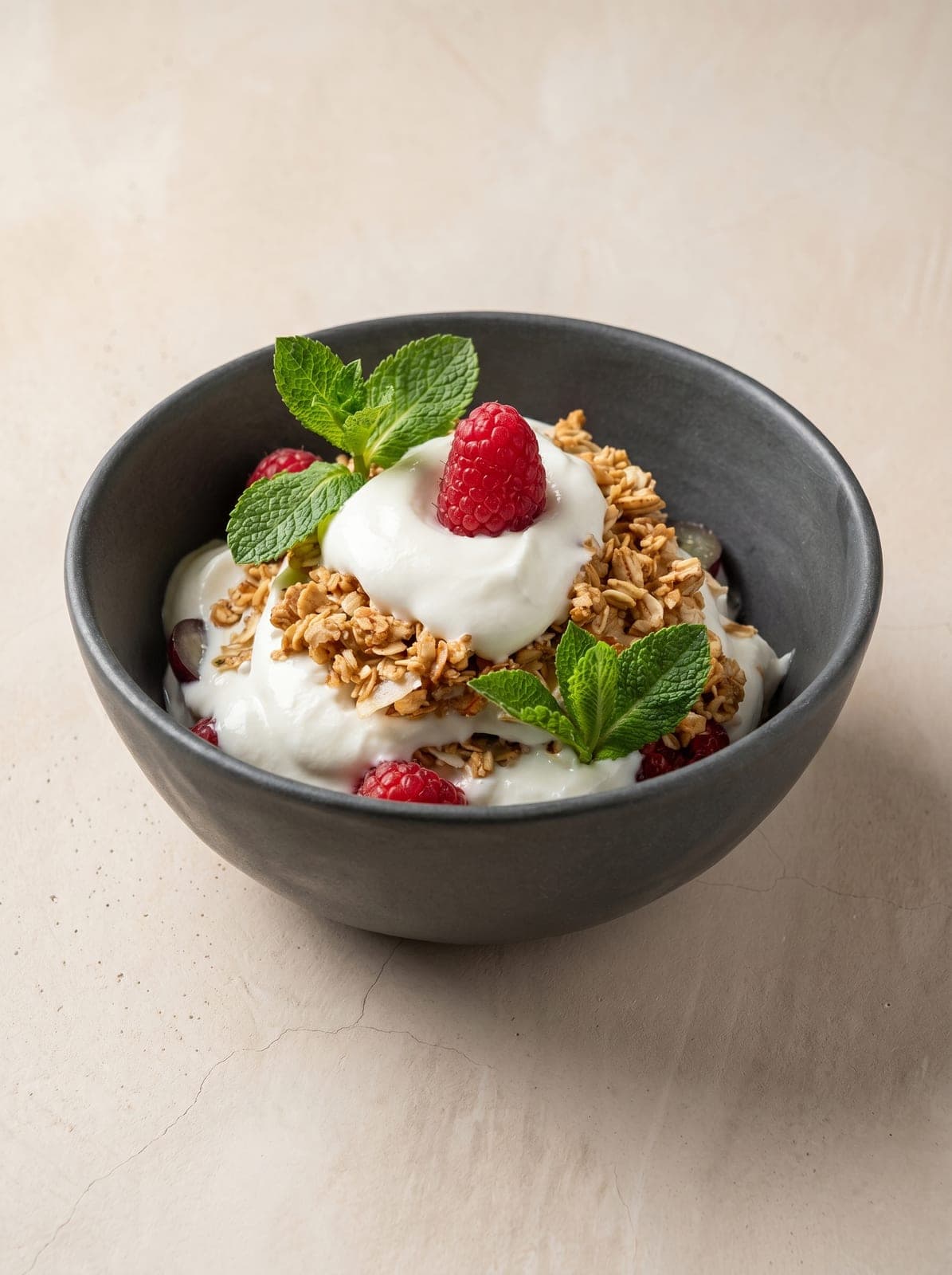
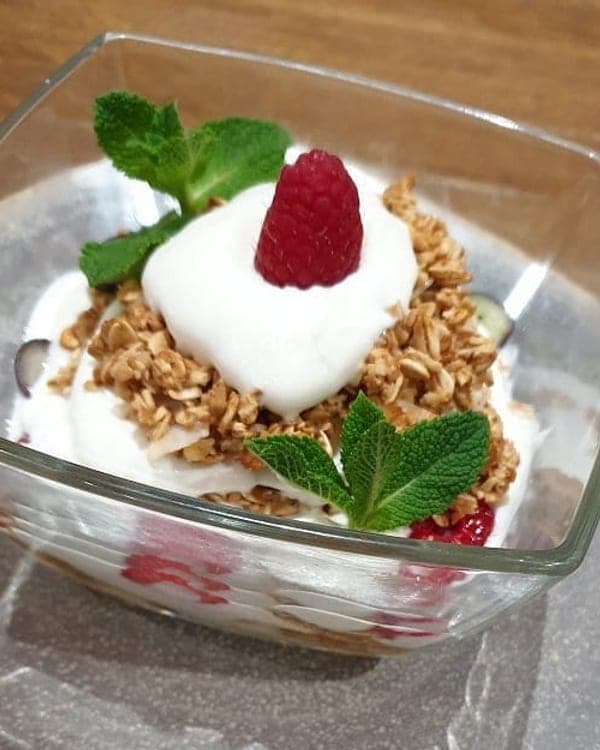
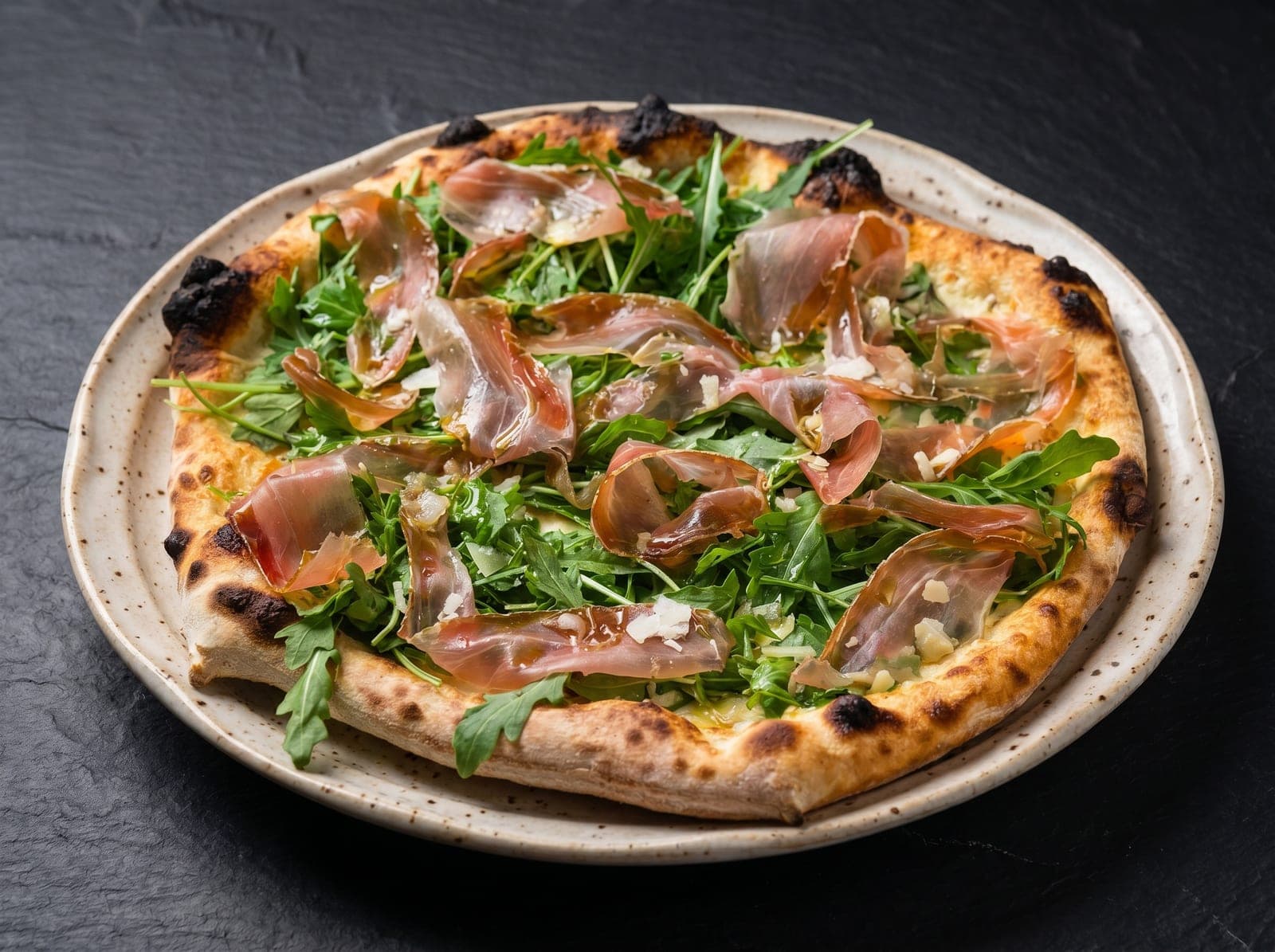
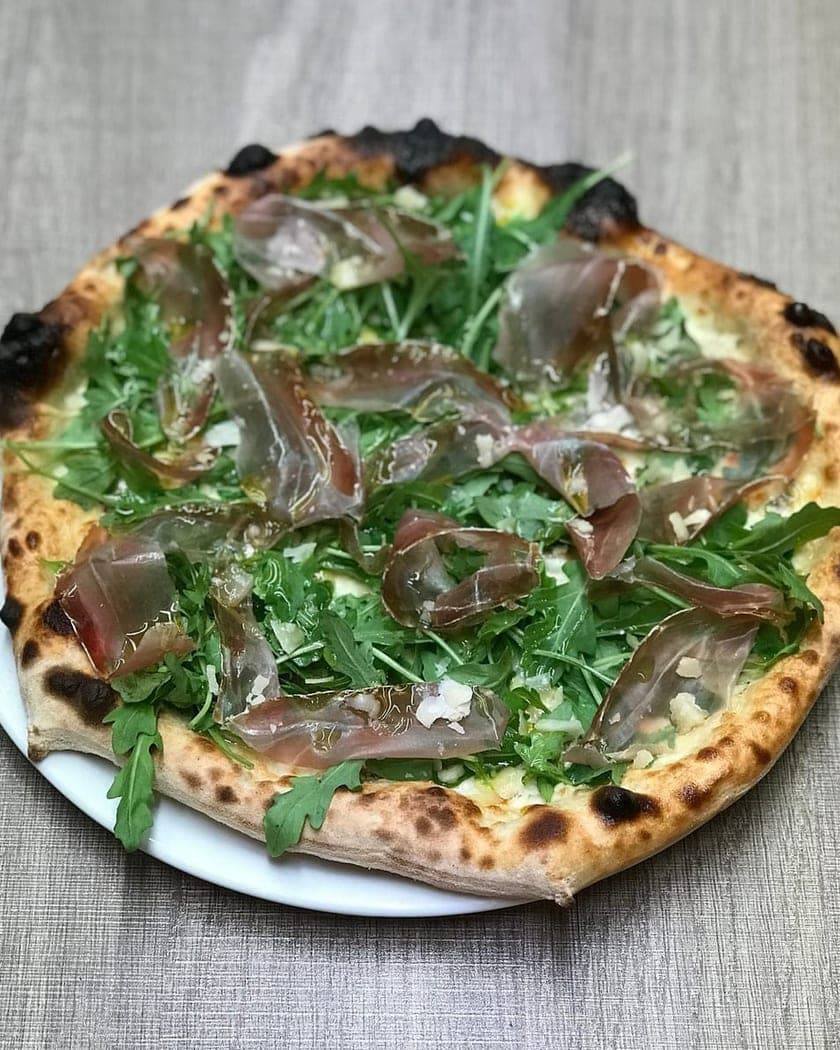
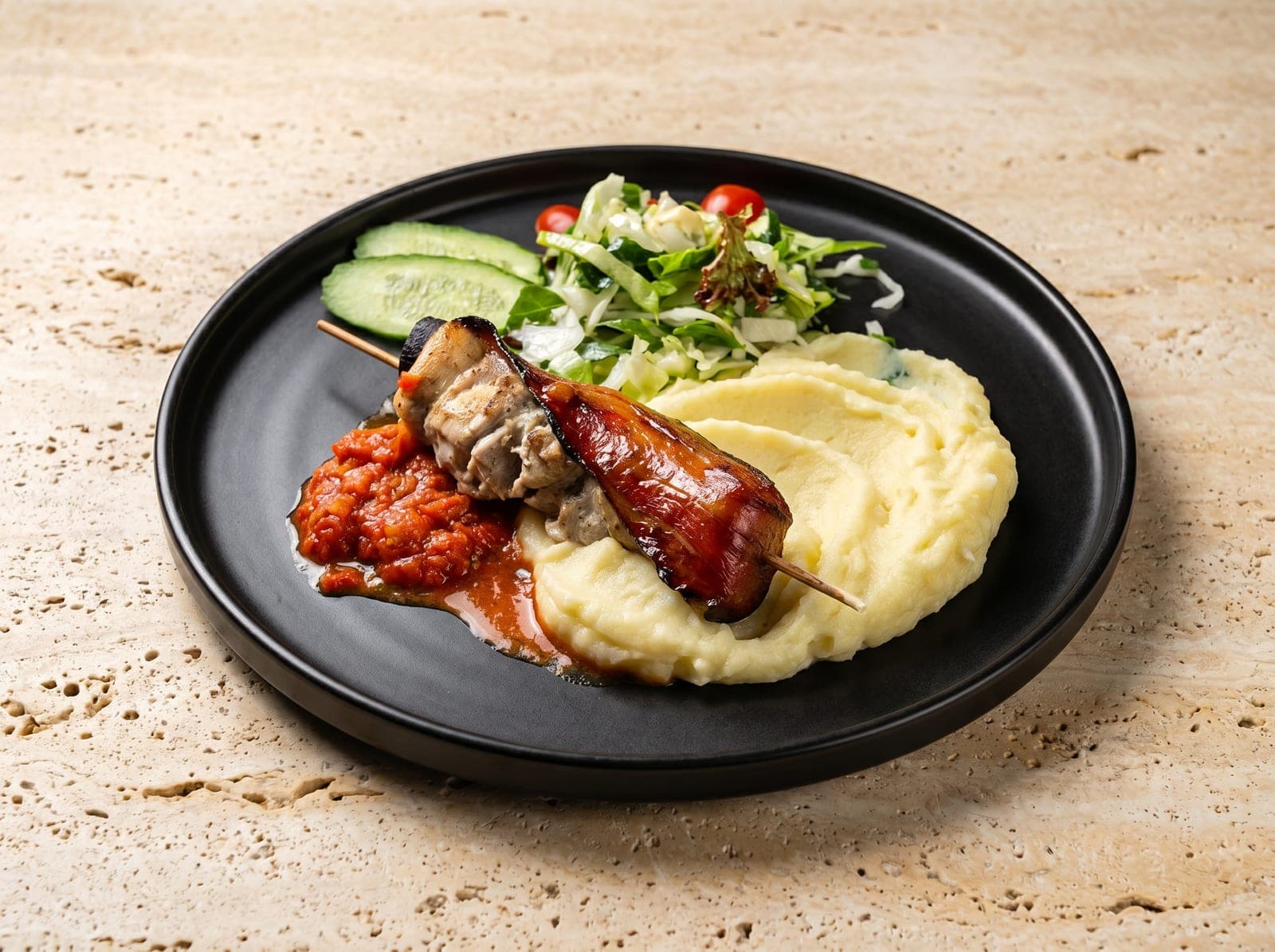
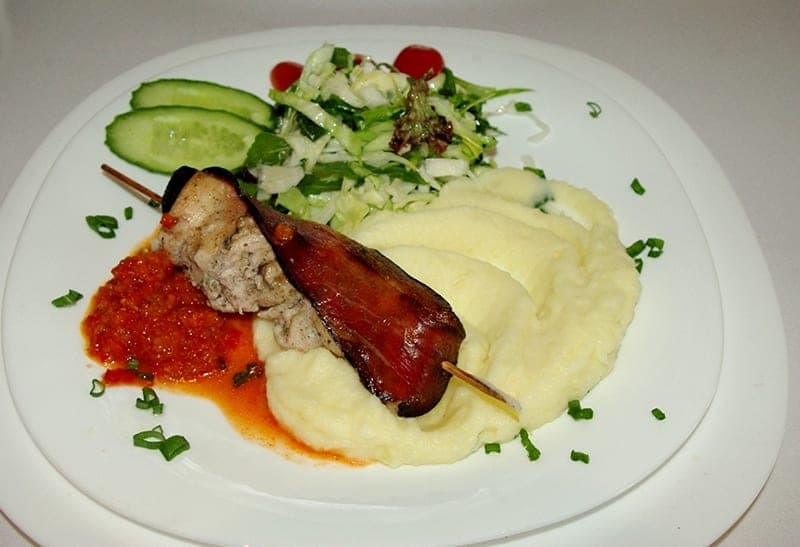
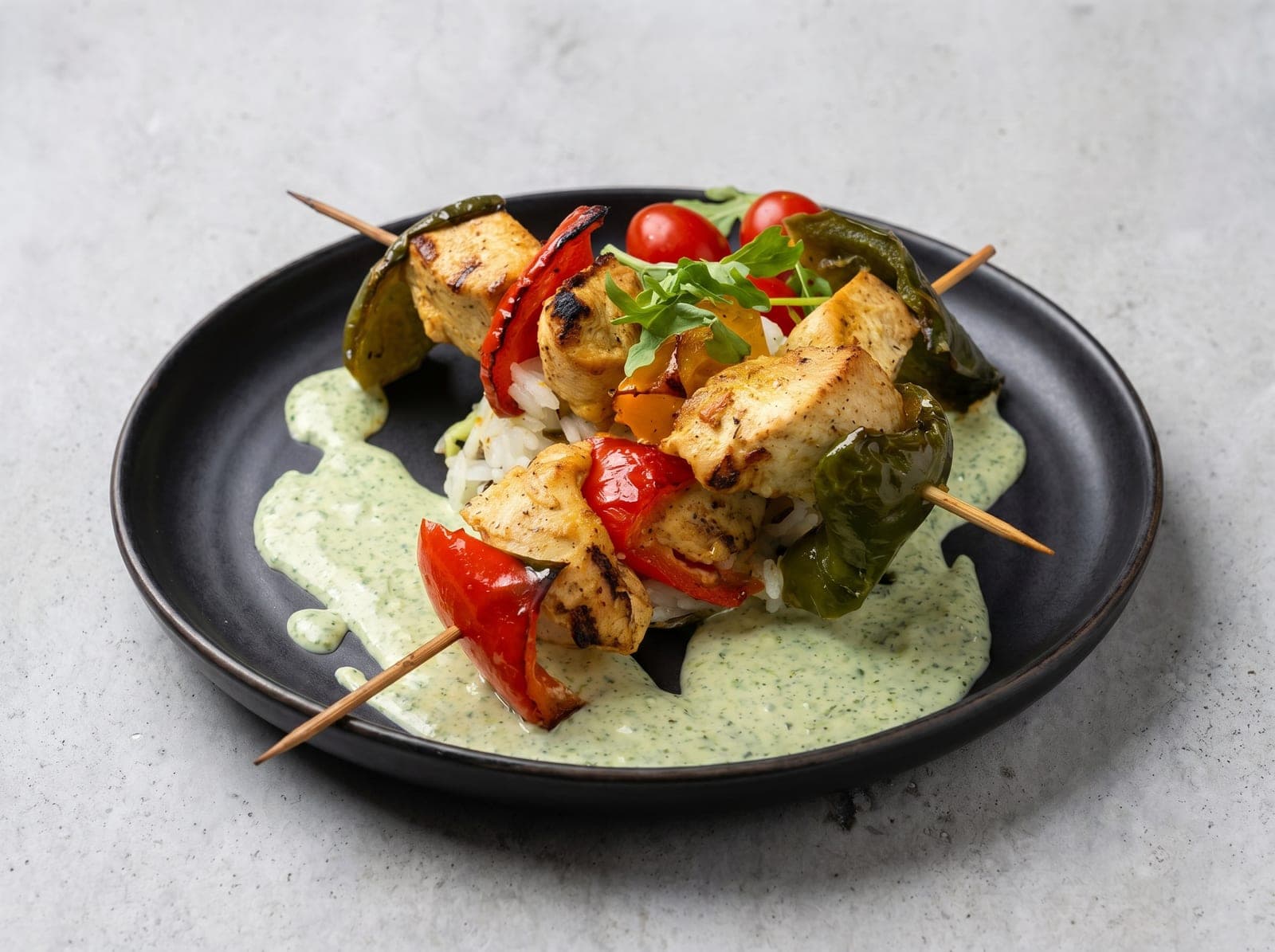
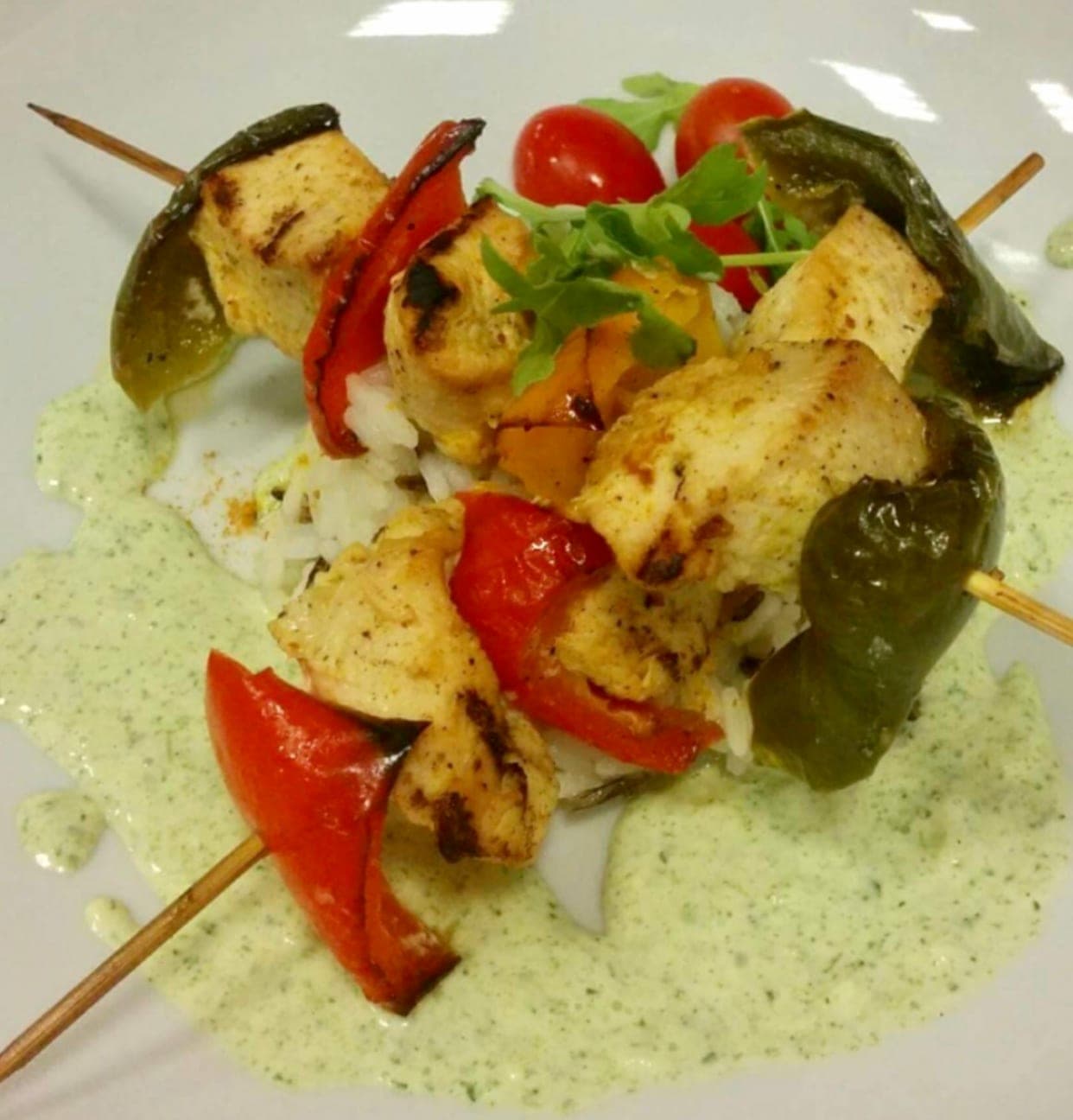
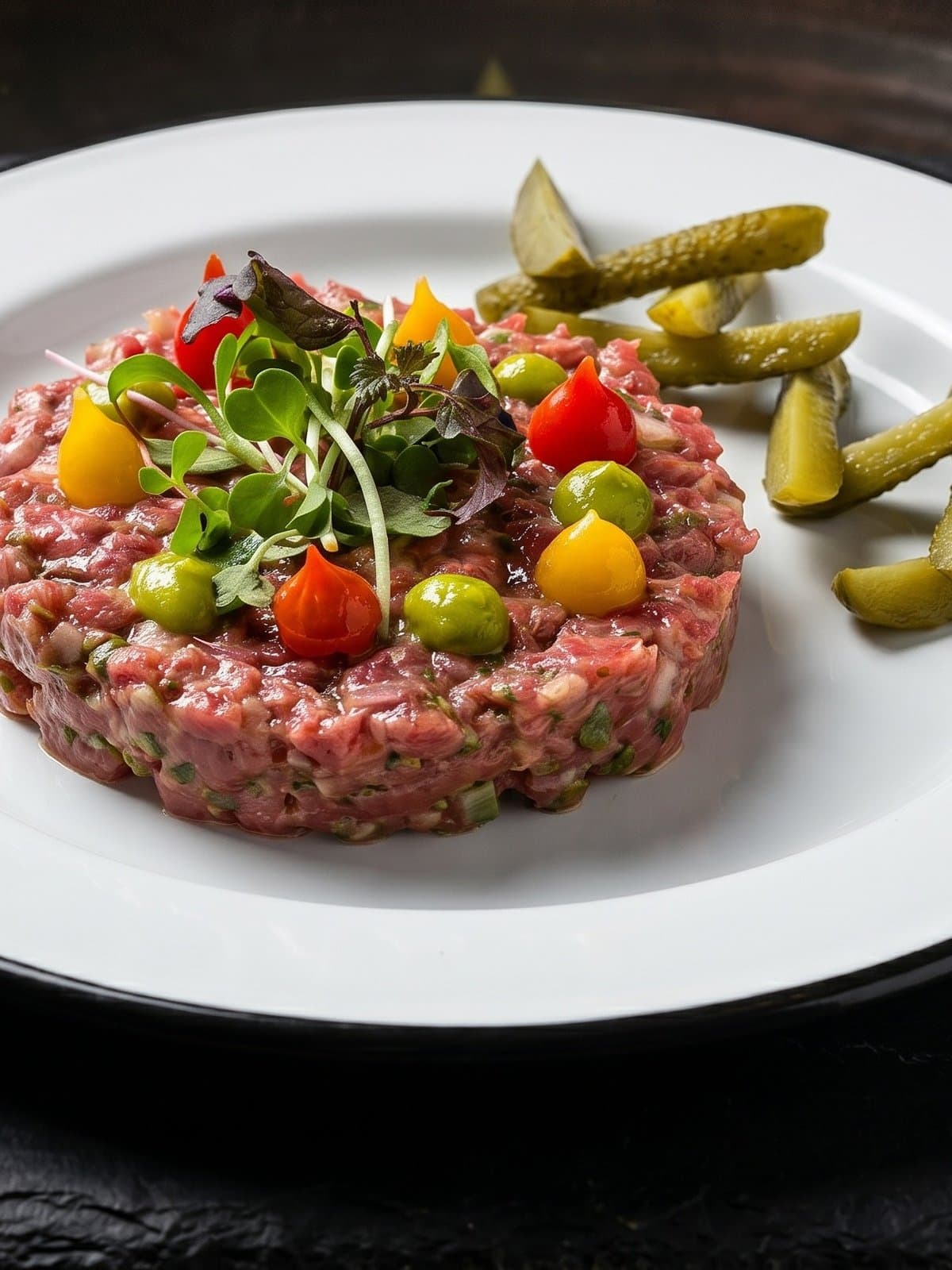
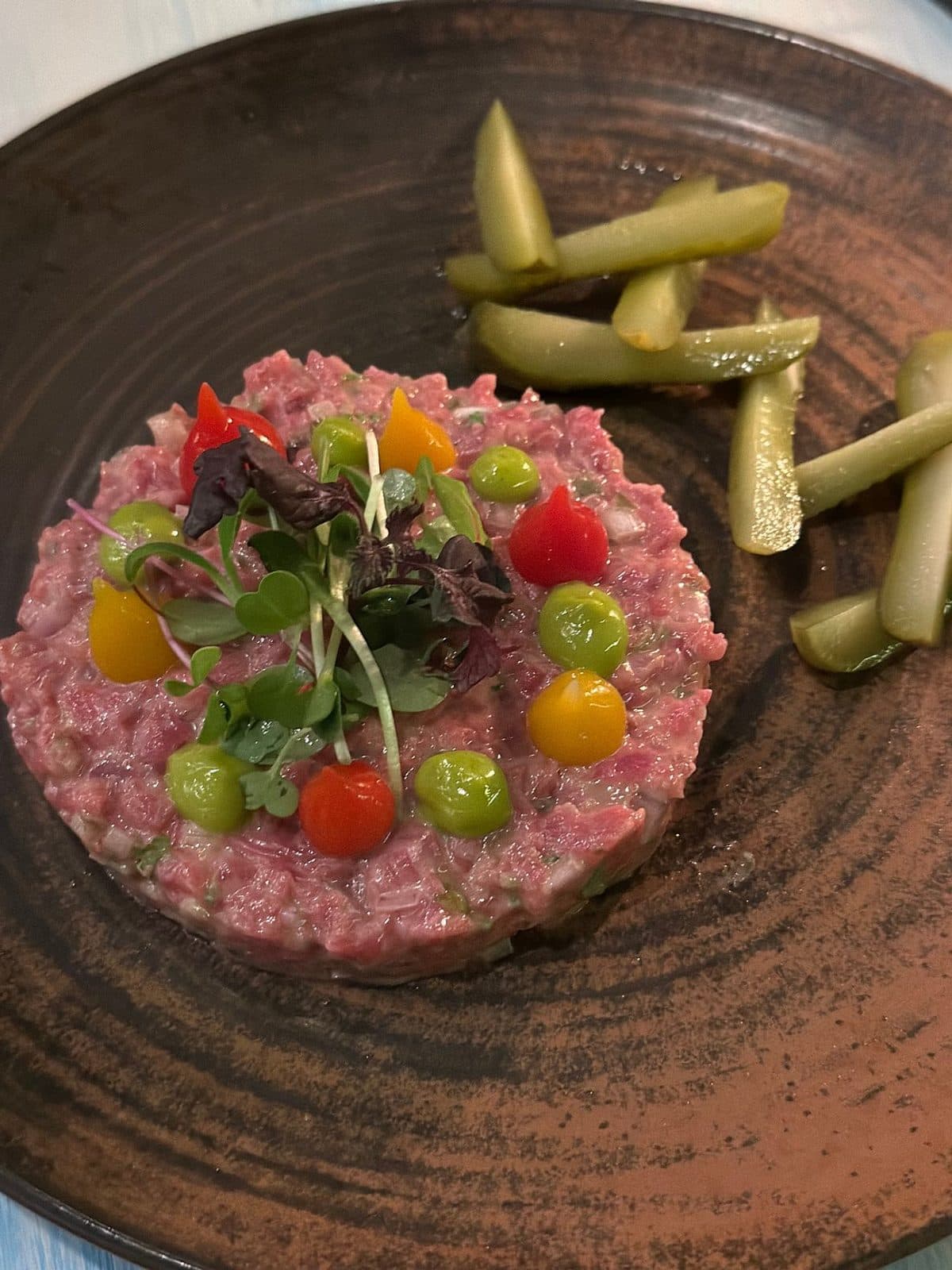
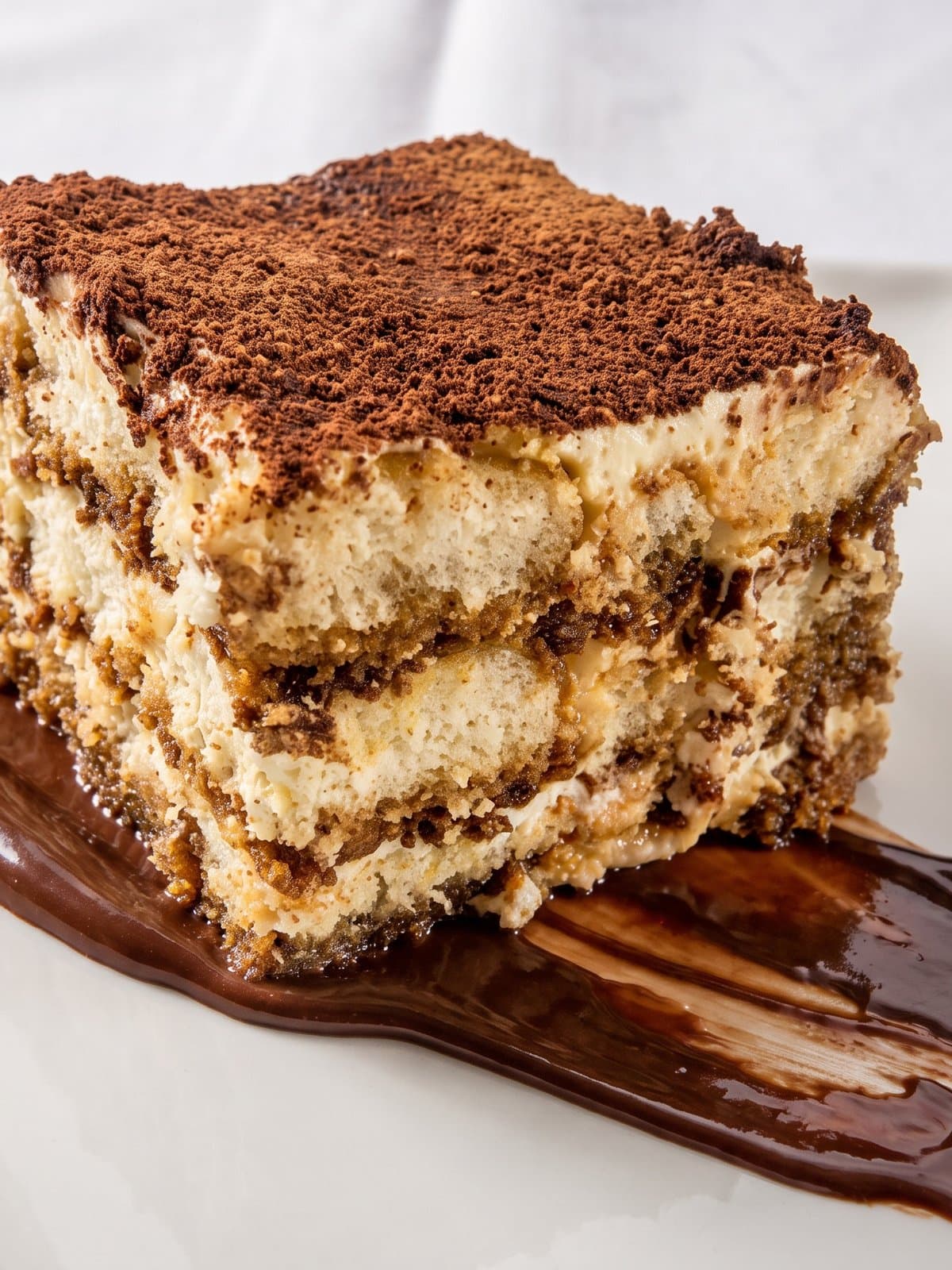
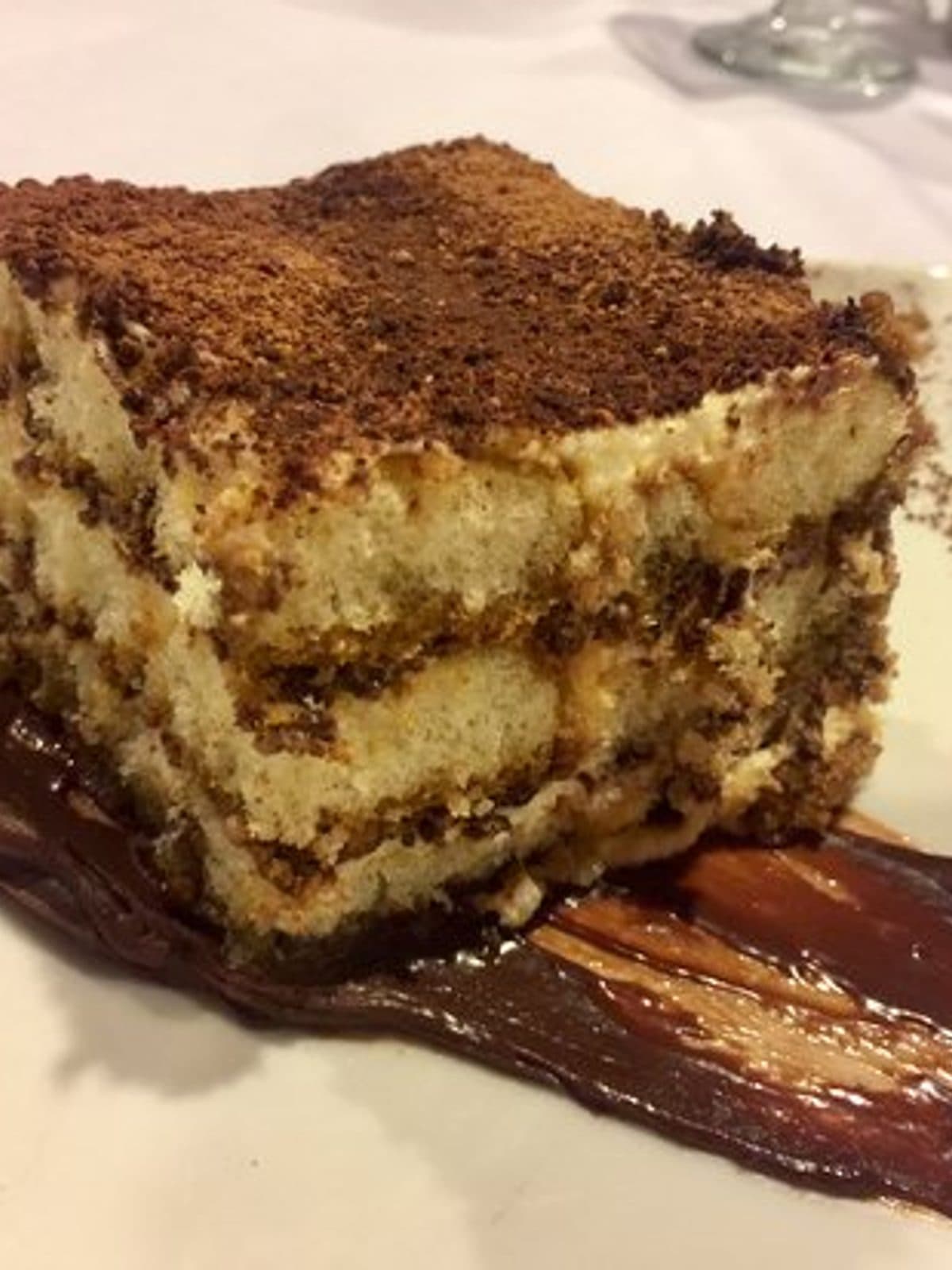
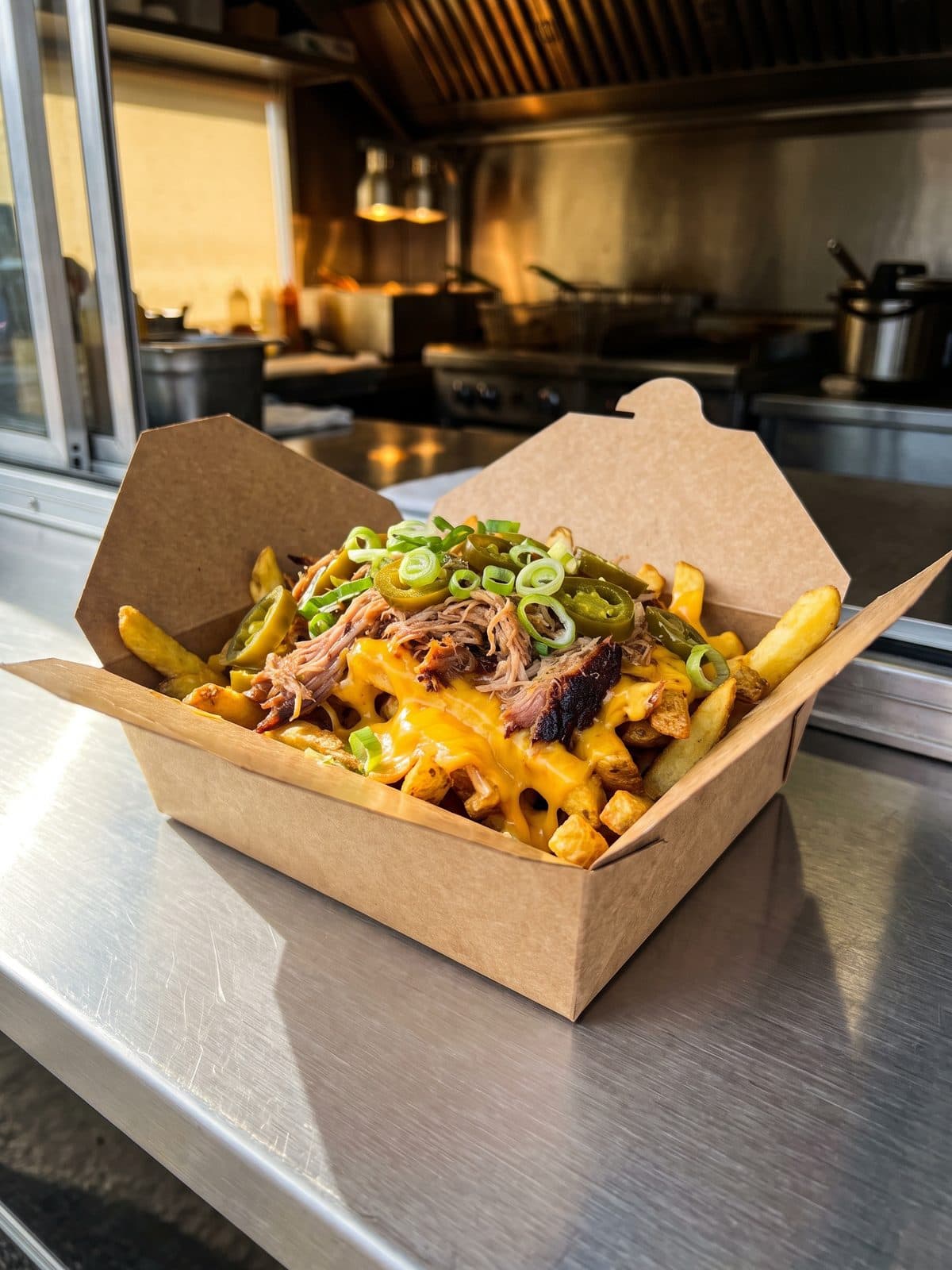
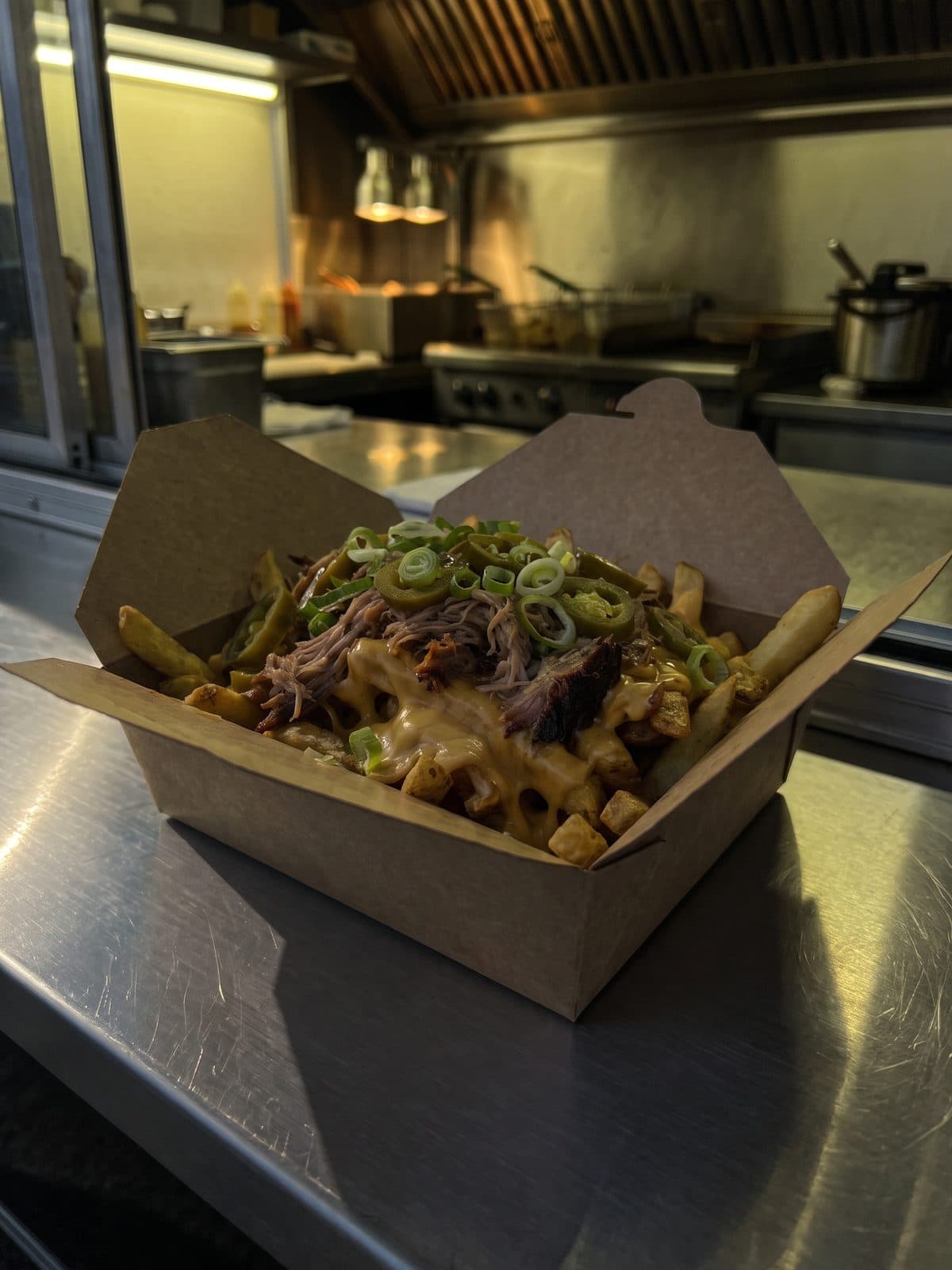
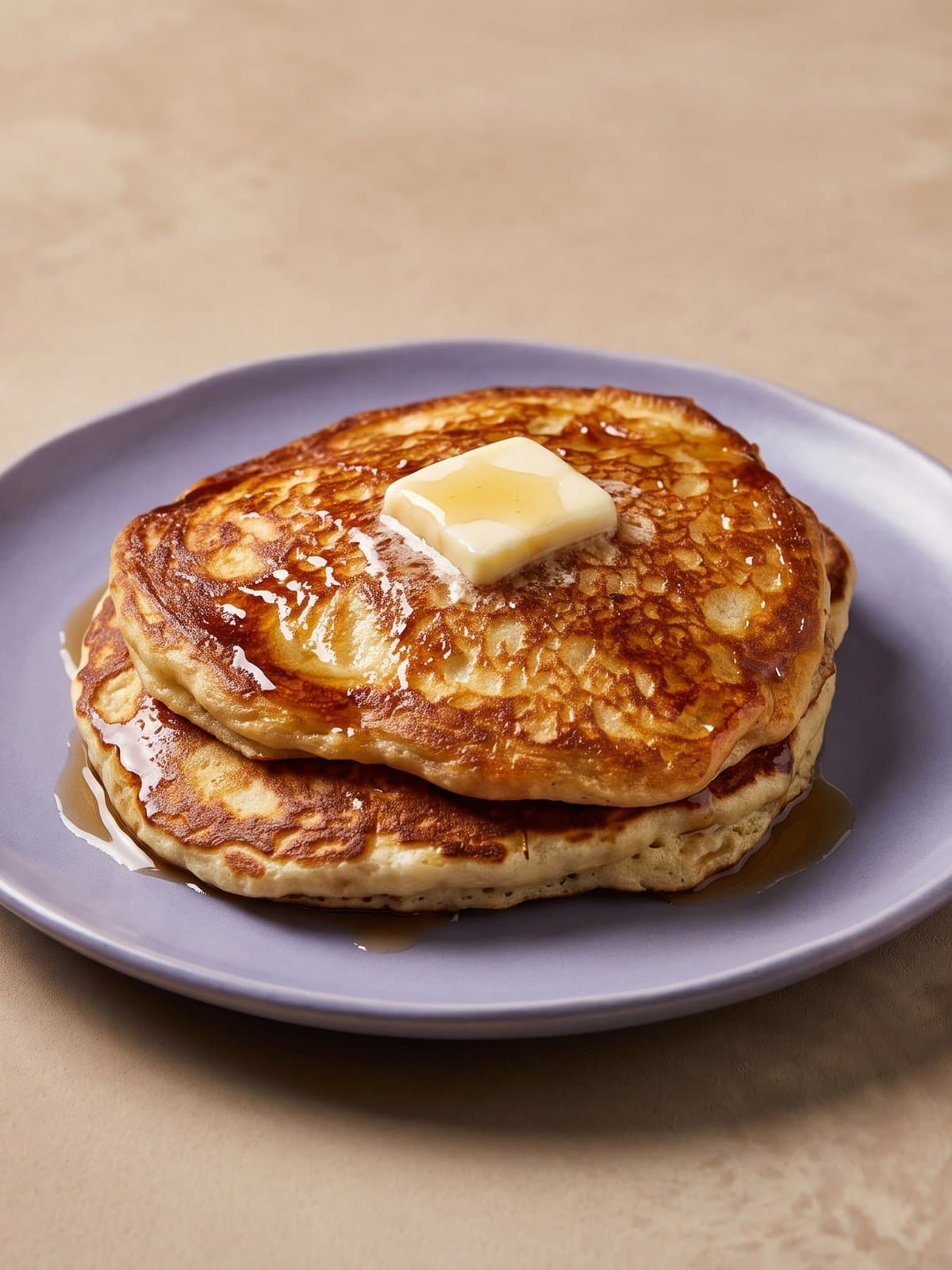
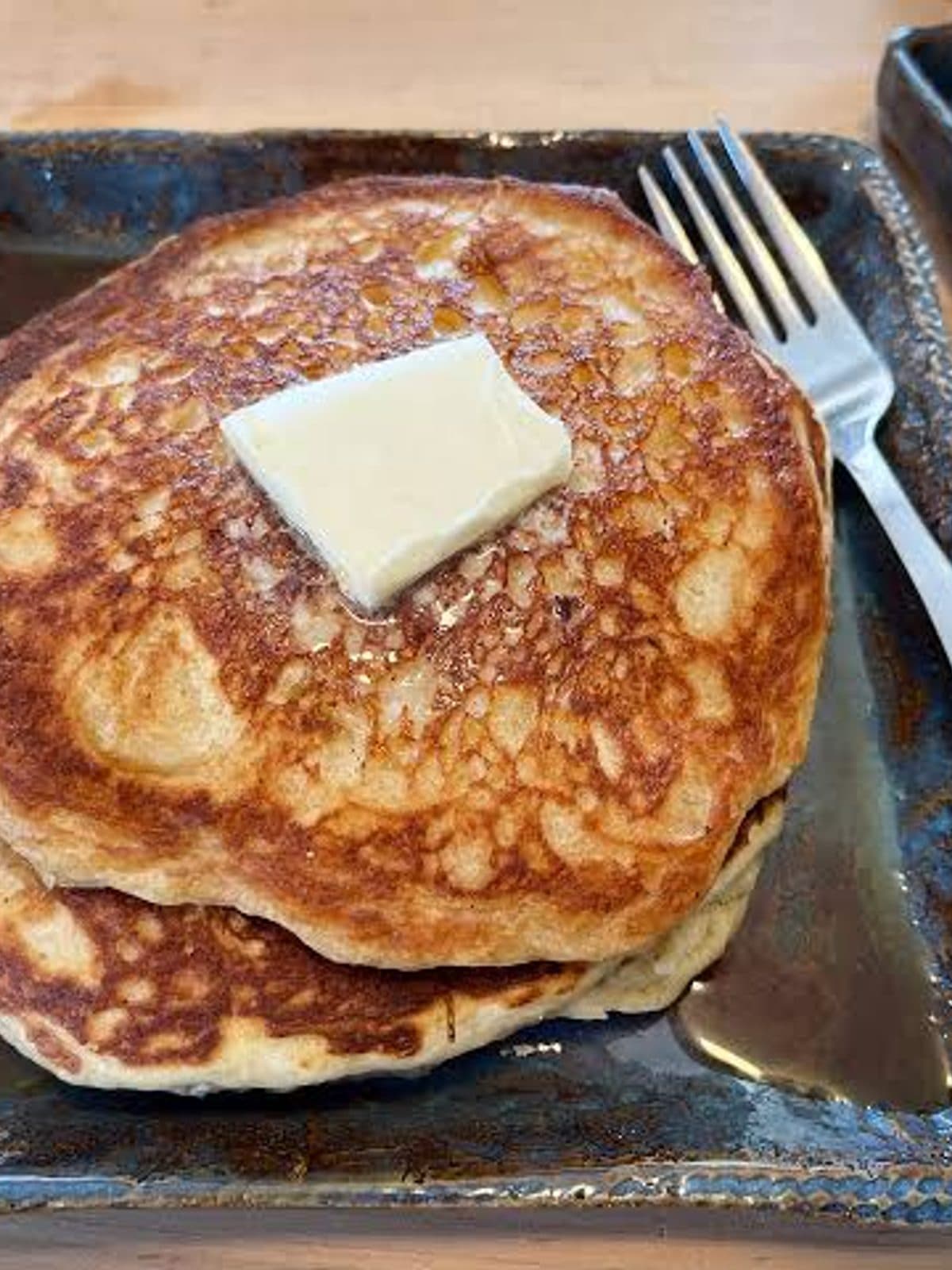
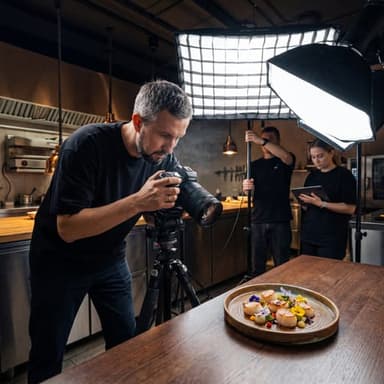
Your food is real. Your photo should be too. We don't generate fake dishes — we relight and polish what you actually cooked, for the menu, the feed, and the delivery tile.
No lighting rig, no light meter, no photography background. If you can take a photo of the dish, PlateRefresh turns it into a camera-grade plate.
01
Restaurants & cafés
Every menu item and weekly special looking shot-on-the-same-day, without booking a photographer each time the menu changes.
02
Delivery & ghost kitchens
Every Wolt, Bolt Food, Glovo and Deliveroo tile filled with photos that match each other — and win the tap over the kebab shop next door. Built to Wolt, Bolt Food and Glovo photo guidelines: 16:9 landscape, 1:1 square, no text or logos.
03
Food bloggers & writers
Publish-ready plates straight from your phone, so the photo never holds the post back — even when the room's light won't cooperate.
04
Creators & social
A feed that looks art-directed, on a creator's schedule and budget. Drop a snap, get back a frame worth posting in seconds.
— How it works
Three steps. Phone photo in, menu-ready hero out.
01
Snap or upload
Any phone photo of the finished dish — drop a whole menu in one batch, up to 50 at a time.
02
Pick your brand
Save the actual plates and tabletops you serve on. Every shot in the kit uses your real props, locked.
03
Download & post
30–60 seconds later, a 2K studio-grade JPG ready for any delivery platform or Instagram.
First shot back in 30 seconds — one cup of espresso.
— Why it works
Your phone can't see what you see.
The food on the plate already looks great. The problem is the camera. A phone has a narrow dynamic range — it can't hold the bright spots and the shadows at once — so highlights blow out, shadows go muddy, and the colour drifts off. We rebalance the light to a clean studio exposure, so the photo finally matches the dish you actually served.
Highlights, recovered
Blown-out glare on sauces and glaze is pulled back so the texture and sheen read again instead of burning to flat white.
Shadows, opened up
The muddy dark corners a phone crushes get lifted into clean, even light — detail in every part of the plate, not just the bright half.
Colour, true to the plate
Yellow restaurant bulbs and blue window light get corrected to a neutral, appetising balance — the greens fresh, the meat rich, the whites white.
— Stay visible
Post every day. Stay at the top.
Delivery apps and social feeds rank on freshness. A listing updated this week beats the same listing untouched since spring, and a new plate every morning keeps you in the local feed instead of buried under it. The only thing that ever stopped you was cost — nobody books a photographer every week. At $0.60 a dish, nobody has to.
Every plate here left the kitchen as a phone photo. Any of them could be tomorrow's post.
@your.restaurant
Posts daily
Mon
Tue
Wed
Thu
Fri
9 dishes · 9 days · $5.40 of credits
The daily math
40
photos a month — more than one a day, every day
$24
a month on Starter, billed monthly
60s
seconds from phone photo to finished shot
What a month of daily posts costs
Book a photographer
$1,200+
40 dishes at $30–70 a finished image
PlateRefresh Starter
$24
≈50×
40 dishes at $0.60 a finished image
The same photos either way. The difference is whether you can afford to do it again next month — and the month after that.
Climb the delivery ranking
Wolt, Bolt Food and Glovo push complete, freshly updated listings to the top. Every tile filled with a current, high-quality shot reads as an active kitchen — and active kitchens get shown first.
Feed the feed, daily
Instagram and TikTok reward accounts that show up. A new plate every morning keeps you in front of local diners without booking a studio day every week.
Look open, busy, worth it
A menu of crisp, current photos reads as a place that cares. Diners tap what looks good — and order more when every dish is shown at its best.
— Signature Finish · optional done-for-you service
AI relights every shot in seconds. Then a photographer finishes it by hand.
Send up to 30 phone photos and a few notes — that's your whole job. Our AI drafts every shot instantly — the same engine behind PlateRefresh — then David, a working food photographer, hand-finishes each one in Lightroom and Photoshop. Nothing added to your food, nothing removed. Just a level of polish AI can't reach on its own.
The offer
$190 flat · up to 30 photos — about $6.34 a photo · 3–5 business days · 1 revision included
Prefer to do it yourself? Self-serve credits are below.
Every photo below started as a phone shot and went through the app. Hover or tap any one to see the original.
Original
Original
Original
Original
Original
Original
Original
Original
— The fine print, up front
No tricks. Just your food, better.
Your real dish — never faked
We relight and gently lift the food you actually cooked — crisper textures, fresher greens. No invented ingredients, no added garnishes — your food stays exactly what you served. Plates and surfaces we can restyle to match your brand.
Try Test Mode first
Test Mode is a one-time purchase — 7 photos, no subscription, full commercial license. See it work on your own dishes before you commit to anything.
Full commercial license
Every shot is yours — menus, delivery apps, ads, social — forever. No watermark on any paid plan, Test Mode included.
GDPR, properly
EU company, encrypted uploads, GDPR by default. Your photos are never used to train AI models. Full export and deletion on request.
No lock-in
Cancel anytime and export everything. The photos you've made stay yours if you ever leave.
Built by a food photographer
Made by David — a working food photographer — to make high-quality food photography accessible to every restaurant, at scale.
— Pricing
One price. Every plate, every shift.
1 credit = 1 photo at 2K · 4K downloads cost 2 credits. Cancel any time.
AI drafts every shot in seconds; a real food photographer finishes each one by hand in Lightroom and Photoshop. You shoot on your phone, we do the rest — flat price, no credits, 3–5 business days: $190 (up to 30 photos) or $299 (up to 50).
All plans include 4K (Starter and up), commercial license, GDPR-ready EU hosting, and no lock-in — cancel anytime. Prices in USD; country taxes may apply at checkout.
“A menu photo is a promise to the customer. As a photographer I kept it with light, not trickery — and that hasn't changed. We relight and polish the food you really cooked, so the picture and the plate still match.”
David — founder · Kaunas, Lithuania
— Good to know
Questions restaurants actually ask.
Straight answers from a working food photographer — on hiring, shooting with a phone, delivery apps, and what this tool does and doesn't touch. If yours isn't here, email the founder directly. I read everything.
Photographers, budgets, and how many photos you really need
The numbers come from the delivery platforms themselves. Deliveroo's own help center states restaurants with menu photography get 25% more orders, and Uber's merchant guide reports up to 88% higher monthly sales for restaurants with photos on every item. Your mileage will vary by cuisine and competition — a great photo won't save a bad kebab.
In most EU cities a food photographer charges €400–900 for a half day, plus editing. In the US, $500–1,500 is typical and big-city rates go well past that. Count the retouching and you land somewhere between $30 and $70 per finished photo. That's manageable for a launch. It stings when the menu changes six weeks later and half the set is out of date.
For some jobs, yes. Interiors, team portraits, a signature dish for a campaign, press material — a good photographer earns the rate there, and David (who built this) still takes those bookings himself. Where the math falls apart is routine coverage: sixty menu items, weekly specials, three delivery apps that each want every dish filled in. That volume work is what PlateRefresh exists for.
More than most owners guess. A typical single-location menu runs 30–80 items once sides, desserts and drinks are counted, and delivery platforms want a photo on every single one — items without photos reliably sell worse. Add rotating specials, social posts and the Google profile, and a place that "just needs a few shots" usually needs a few hundred per year.
Shoot them yourself in daylight, then fix the lighting afterwards. Any phone from the last five years captures plenty of detail; what it can't do is light a plate like a studio, and that part can be added after the fact for under a dollar a dish. The other budget route — a photography student — can work too, but you still pay per shoot, wait on edits, and rebook every time the menu moves.
Whenever the plate stops matching the picture: new dish, new plating, new portion size, new plateware. For most kitchens that means every menu revision, so two to four times a year, plus specials as they come. Delivery apps also quietly favour listings that look maintained — a menu where half the tiles are three years old reads like a place that might be closed.
Taking better photos with the phone you already have
Get near a window, turn off the overhead lights, and shoot from about 45 degrees with the dish filling most of the frame. Wipe the plate rim. Shoot within a minute or two of plating, while everything still looks alive, and take five frames instead of one. That's 80% of it. The last 20% — clean studio light, true colour — is the part software can add afterwards.
Two angles cover nearly everything. A 45-degree tilt — camera looking down at the front of the dish — suits most plates, because it shows height and depth the way a seated diner sees them. Straight top-down works for flat food: pizza, bowls, spreads. Straight-on at table level is for tall builds like burgers and layered desserts. Pick one angle per menu section and stick to it; the consistency looks more professional than any single hero shot.
Restaurant bulbs. Most dining rooms run warm tungsten light around 2700K, and phone cameras only partly correct for it — so rice turns yellow, white plates go cream, greens drift toward olive. Shoot near a window in daylight when you can. When you can't, the cast is fixable afterwards; colour correction is one of the main things PlateRefresh does on every photo.
No. A phone flash is a small, hard light firing straight at the plate — it flattens texture, throws a harsh shadow behind the dish, and puts hot glare on anything wet or glazed. Soft window light beats it every time. If the room is genuinely too dark, carry the plate somewhere brighter; nobody will ever know the pasta was photographed by the front window.
Your eyes handle a far wider range of light than a phone sensor. Standing at the pass, you see the sheen on the sauce and the detail inside a dark bowl at the same time; the camera has to choose one, so highlights burn out or shadows turn to mud, and colour drifts with the room lighting. The dish is fine. The exposure isn't — which is why fixing the light fixes the photo.
Light, mostly. A pro shoot uses one big soft light source, a touch of glow from behind the dish so it reads fresh, and an exposure that keeps sheen on the sauces without burning them white. Add a plate straight from the kitchen — not one that sat twenty minutes — and honest styling like a brush of oil or a crack of pepper. That's the whole recipe. Good food photography involves less trickery than people assume.
A phone. That's the list. No ring light, no lightbox, no reflector boards, no editing apps — the missing ingredient in phone photos is studio lighting, and that gets added after the fact. As for props, you already own the best ones: the plates and tables your customers actually eat off make the menu look like your restaurant instead of a stock library. What matters more than any prop is consistency — same surfaces, same light, same angle across the whole menu — and brand kits exist to lock exactly that.
Delivery apps and Google
Yes — what platforms prohibit is photos that misrepresent the dish, and PlateRefresh is built specifically to avoid that. A real photo of your real burger with studio lighting applied is the same thing every restaurant with a professional photographer has done for decades, just faster. We never add ingredients, change portions, or swap the dish.
Details vary by platform, but they all want the same things: a sharp, well-lit photo of the actual item, landscape or square, at least around 1,200 pixels wide, with the food filling most of the frame on a clean background. All of them reject watermarks, logos, collages, and photos with people in them. Exact pixel specs shift often enough that the merchant guides are worth checking — but a clean, high-resolution shot passes everywhere.
The usual offenders, in order: a watermark or logo on the image, blur, a photo too dark to read, a collage or border, the item not filling the frame, or the photo showing something other than what's sold. Platforms also bounce obvious stock photos. A sharp, straightforward shot of the real dish on a clean surface almost never gets refused.
Indirectly, but powerfully. The apps rank partly on conversion — how many people who see your listing go on to order — and tiles with appetising photos convert far better than grey placeholders. Complete, recently updated listings also score better than half-filled ones. A fully photographed menu lifts you twice: more taps per impression, and better placement because of those taps.
Yes, and most restaurants under-use it. Google has long reported that businesses with photos get significantly more direction requests and website clicks, and food photos are exactly what people scroll through when choosing where to eat. Upload your best plates, refresh a few every month, and make sure the first photos are dishes — not the sign, not the empty dining room.
If you own the rights, yes — and that's worth checking. Photographer contracts often license images for specific uses, so shots you paid to put on Wolt may not be cleared for a billboard. Everything made with PlateRefresh carries a full commercial license: menus, apps, ads, print, social, forever. For print, take the 4K download — 2K is plenty for screens, but big print wants the extra resolution.
How PlateRefresh works
No, because the food in the photo is your food. PlateRefresh doesn't generate a dish from a text prompt — it takes the photo you shot and rebuilds the lighting, color, and background around the exact plate you cooked. What changes is what a full studio day would change: light, contrast, surface, mood.
Changed: lighting, exposure, colour balance, contrast, the surface and background around the plate. Never touched: the food itself. Same ingredients, same garnish, same portion, same plating, same angle. The rule is simple — a customer holding the plate next to the photo should see the same dish — and it's enforced in the pipeline, not just promised on this page.
Midjourney invents a dish; we relight yours. Your photo goes in first, and the model is constrained to preserve the dish — lifting its textures, never reinventing it — while improving everything around it. Plus the practical stuff a chatbot won't do: locked brand plates across your menu, batch processing of 50 photos, delivery-platform crop ratios, and automatic refunds for failed shots.
Probably. The minimum we need: the dish in focus, reasonably lit, and fully in frame. From there the pipeline handles dull light, yellow cast, ugly backgrounds, harsh shadows and flat contrast. What it can't fix — and be suspicious of anything that claims otherwise — is a blurred photo, a half-eaten dish, or a frame so dark there's no detail left: that information is gone, and "recovering" it means inventing a dish that isn't yours. Retake those; everything else is fair game.
A brand kit locks your actual plates, tabletops and surfaces so every photo across your menu looks shot in the same restaurant. Upload photos of the ceramics and tables you really serve on, and every generated shot uses those exact props. Even Test Mode, the cheapest way in, includes 1 brand kit; most single-location restaurants need exactly one.
Yes — upload up to 50 photos in one batch and they run through the pipeline together, so a full menu takes a coffee break rather than an afternoon. Each dish is still handled individually, and you get an email when the batch is done. Most batches come back within about ten minutes.
When a generation fails outright, the credit comes back automatically. When the result just isn't right, run it again with different settings. The honest expectation: most dishes look right on the first or second try. Test Mode exists so you can confirm that on your own food before putting a whole menu through.
Licensing, privacy, and the fine print
You do, permanently. Every paid plan — Test Mode included — comes with a full commercial license covering menus, delivery platforms, advertising, social and print. Cancel whenever you like; the photos you've already made stay yours to download and keep.
They're stored encrypted, used only to produce your finished shots, and never used to train AI models. PlateRefresh is an EU company and takes GDPR seriously: you can export everything or request full deletion at any time. Nothing you upload feeds anyone's training data.
Yes, under the same rule that has always governed food advertising: the photo must honestly represent what's served. Adjusting light and colour is standard practice — every professionally shot menu photo you've ever seen was edited. PlateRefresh also embeds the machine-readable AI disclosure the EU AI Act calls for into each file's metadata, so that box is ticked without a visible watermark.
Your food already looks good in person. Let's get the photos to agree.