July 19, 2026
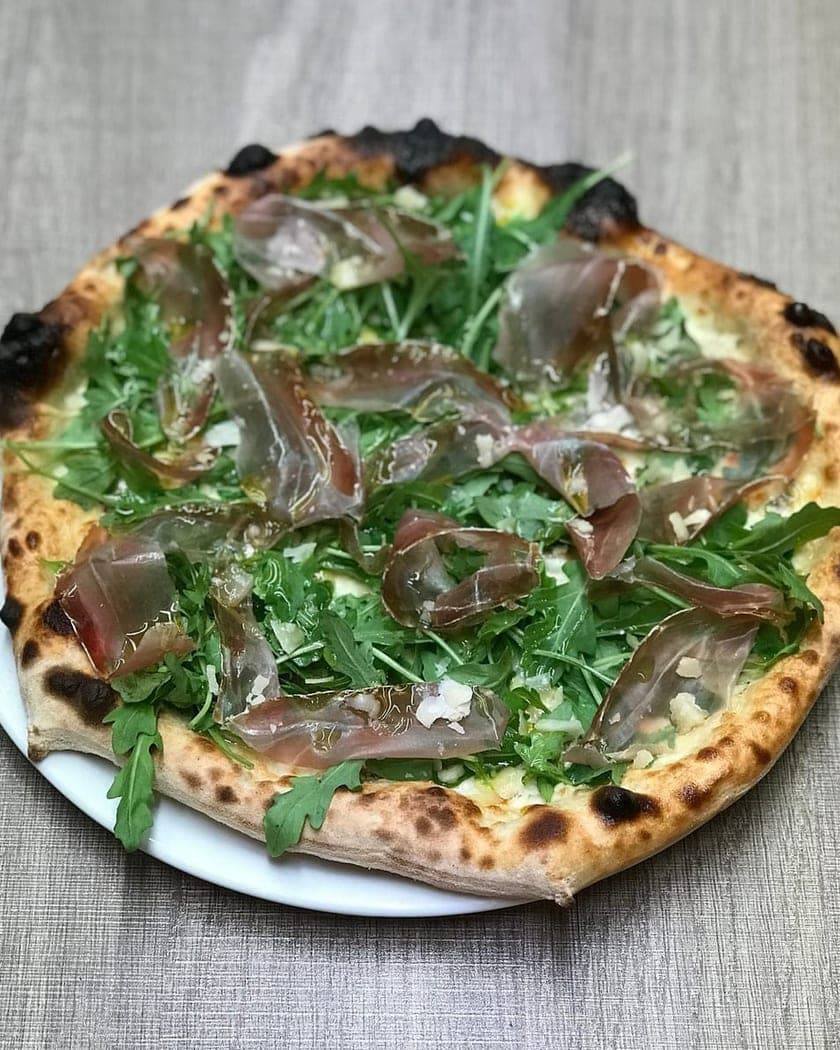
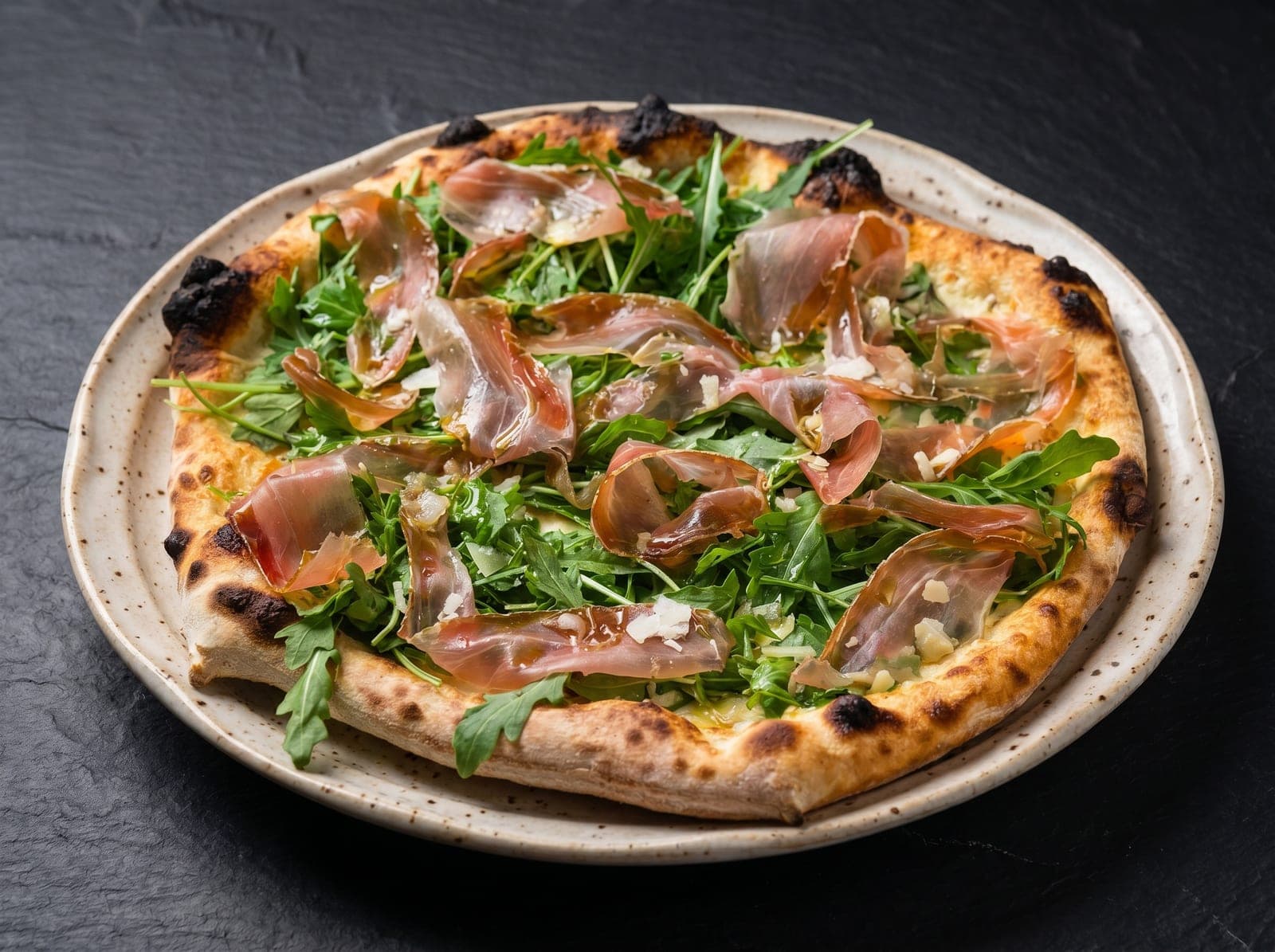
Why two dishes read as one restaurant — and the one button that does it
The difference between a menu that looks like one restaurant and a menu that looks like fifteen is not the quality of any single photo. It is whether the photos were shot to the same recipe — and there is now one button that does that for you.
I spent years as a food photographer before building this, and the single most common thing I fixed on client menus wasn't a bad photo. It was thirty decent photos that didn't belong together. One shot warm and golden, the next one cold and grey, a third one from a completely different angle on a different tablecloth. Individually fine. Together, amateur.
Consistency is the part customers can't name but always feel. So it deserves to be the easy part of the tool, not the expert part.
What actually holds a set together
Three things decide whether two photos look related, in this order of importance.
First, the props. If the same plate and the same tabletop appear in both photos, half the work is done before anything else is decided. This is why the strongest thing you can do here is photograph your own plate and your own table once and put them in a brand kit — from then on every render is told to match those exact props, not a generic idea of a plate.
Second, the light. A warm low side light and a bright overhead light produce two different restaurants no matter what is on the plate. Picking one lighting engine and staying on it does more than any amount of fiddling afterwards.
Third, the framing — camera height and how tight the crop is. A set that mixes a flat top-down with a low three-quarter angle reads as two different photographers, because it was.
- Your plate and tabletop reference photos → the strongest anchor there is.
- One lighting engine across the set → the second strongest.
- One camera angle and framing → the finishing touch.
Lock this look — the one button
Rather than asking you to remember all of that on every upload, the app carries it for you. Hover any finished shot in your gallery and hit Lock this look. From that moment every new upload opens with that shot's plate, tabletop, lighting, camera angle and framing already in place — on your phone as well as your laptop, because the lock lives on your account, not in one browser.
There's a second flavour of the same idea. Dial the settings in by hand, hit Lock current style, give it a name, and it becomes a chip you can tap to re-apply that whole bundle to any future dish. Useful when a restaurant has two looks — the bright delivery-grid version and the moodier Instagram one.
Both of them carry a fixed random seed along with the settings, which is the detail that makes a repeat render land as close as it possibly can. You don't have to think about it, and there's nothing to copy or paste — it rides inside the lock.
What about the seed number?
If you've used other AI image tools you'll know the term. Every render starts from a bank of randomness, and the seed is just the number that decides where in that randomness it starts. Same photo, same settings, same seed, same picture back. It's a shuffle number for a deck of cards — nothing more mystical than that.
PlateRefresh used to put that number in front of you as a field you could type into. I've taken it out, and I want to be straight about why: it was the single most misunderstood control in the product. People read a number field sitting next to their photo settings and reasonably concluded it was the style lock. They'd paste a number from a shot they loved, get a completely different plate back, and blame the render — when the seed had never carried the plate in the first place. A seed is not a filter and it isn't a style preset.
So the seed still exists and still does its job on every render. It just isn't a decision you're asked to make any more. Lock this look carries it; brand kits carry it; you get the benefit without the trap.
- Same photo, same locked look → the same image back. Reliable.
- Different dish, same locked look → same plate, same light, same angle. That's the consistency you were after.
- Nothing locked → a fresh roll of the dice every time, which is what you want while exploring.
Why consistency is worth the trouble
A delivery app listing is a grid. Customers don't study one photo — they scan twelve at once. When those twelve share a lighting direction, a colour temperature and a camera height, the grid reads as one confident brand and the eye moves smoothly across it. When they don't, the grid reads as noise, and the noise reads as carelessness. Nobody consciously thinks 'the white balance is inconsistent'. They think 'this place looks a bit sloppy' and they order elsewhere.
The same effect runs through everything else you publish. A menu where every dish is lit the same way looks designed. An Instagram feed with one recognisable look builds a visual signature people start recognising before they read the name. The one-off perfect photo does none of that work. The set does.
A practical workflow
Here's the routine I'd actually use, in order:
- Explore first. Run two or three dishes with nothing locked and different settings, until one result makes you stop scrolling.
- Lock the props. Photograph the plate and tabletop you actually serve on and put them in a brand kit — this does more for consistency than everything else combined.
- Lock the look. Hover the shot that made you stop and hit Lock this look, or name it with Lock current style if you want more than one.
- Shoot the rest of the menu against it. Every upload now starts from that recipe instead of from scratch.
- Unlock when you're deliberately changing direction — a new season, a new room, a rebrand. The banner at the top of the upload page is one click.
- Re-shoot changes with the same look. When one dish changes in three months, re-apply the saved look and the new photo drops into the existing set instead of standing out.
When to deliberately break the pattern
Consistency is a default, not a religion. If a render is close but something's slightly off, unlock, change one thing — the lighting engine, the angle, the tightness of the crop — and run it again. You'll get a different interpretation of the same dish, and often the second or third attempt is the one you keep. Then lock that one instead.
That's the mental model worth holding onto: lock to repeat, unlock to explore. The plate, the light and the angle are what you're actually directing. Everything underneath that is the app's job, not yours.